









Description
Turn your videos into a beautiful, fast-loading grid — in minutes
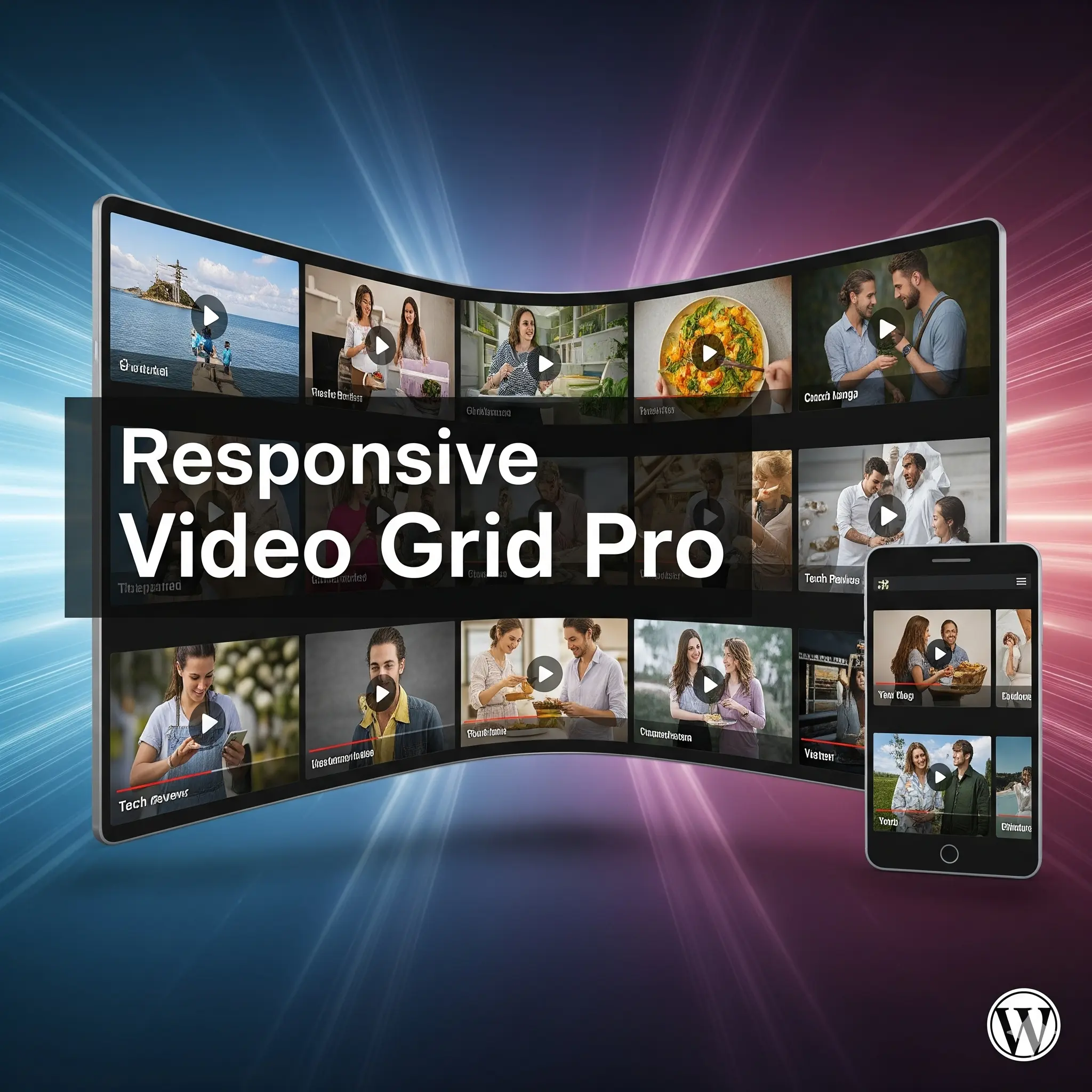
Embedding videos one by one bloats your pages and slows your site. WordPress Video Grid Pro is the complete video grid plugin that lets you display unlimited YouTube, Vimeo, Metacafe, DailyMotion and self-hosted HTML5 videos in a clean, responsive grid — and play them in a modern pop-up lightbox without ever sending visitors away from your page.
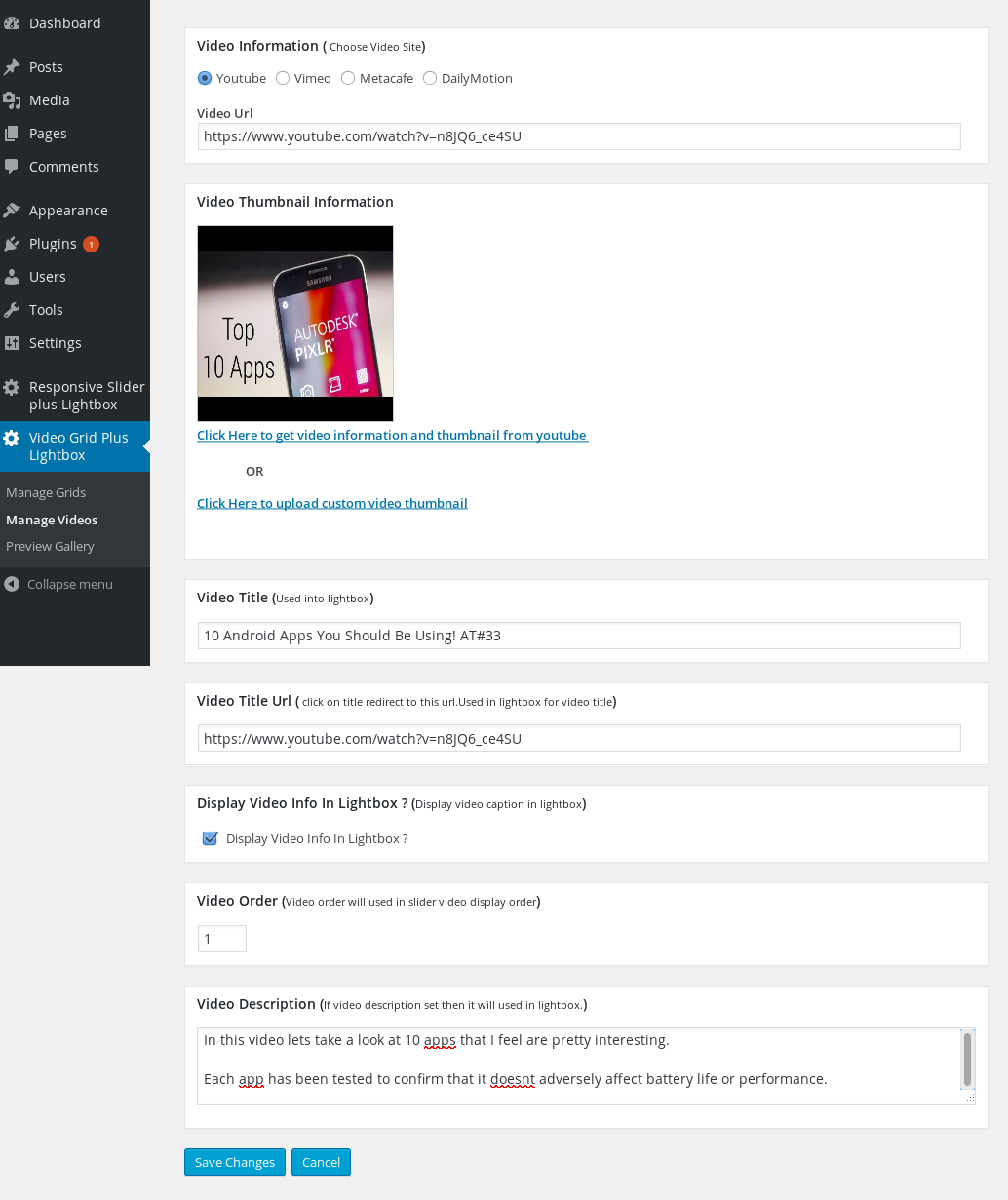
Just paste a video link and the plugin automatically fetches the thumbnail, title and description for you. Add, edit, reorder and preview your grid from the admin panel, then drop it anywhere with a shortcode, the Gutenberg block editor, Elementor or Divi — no code required.
Unlike free video plugins that lock you into one rigid look, this plugin gives you three grid layouts, a modern responsive lightbox, alignment controls and one-click bulk import — so every video grid matches your site perfectly and scales from three videos to three hundred.
One-time payment. No annual renewal. Works on unlimited grids.
Live Demo · Pro Version Download Documentation
Three grid layouts — Standard, Masonry and Justified
Pick the layout that fits your page. Standard gives a clean, uniform grid; Masonry gives a Pinterest-style staggered look driven by your video titles; and Justified fills every row edge to edge like a photo wall. Switch anytime — no reconfiguration needed.
- Standard — uniform, evenly-sized thumbnails
- Masonry — Pinterest-style staggered cards with titles below each video
- Justified — rows filled perfectly edge-to-edge at varied widths
- Left, center or right alignment — with matching pagination alignment
A modern, fully responsive video lightbox
Visitors watch your videos in a sleek pop-up player that works flawlessly on desktop, tablet and mobile — no redirects, no lost traffic. Or, if you prefer, send clicks straight to the source site or a new tab.
- Modern responsive lightbox with keyboard navigation (arrows + escape)
- Plays YouTube, Vimeo, Metacafe, DailyMotion and HTML5 video
- Optional video description shown inside the lightbox
- Or open videos in a new browser tab instead
Bulk-import an entire YouTube channel or playlist
Stop adding videos one at a time. Paste a YouTube channel URL, @handle or playlist link and import every video in one step — thumbnails, titles and descriptions included. Perfect for creators mirroring their whole channel onto their site.
- Import a full YouTube channel or playlist in one click
- Works from both the block editor and the Manage Videos screen
- Automatically pulls thumbnail, title and description for every video
Add grids anywhere — Gutenberg, Elementor and Divi
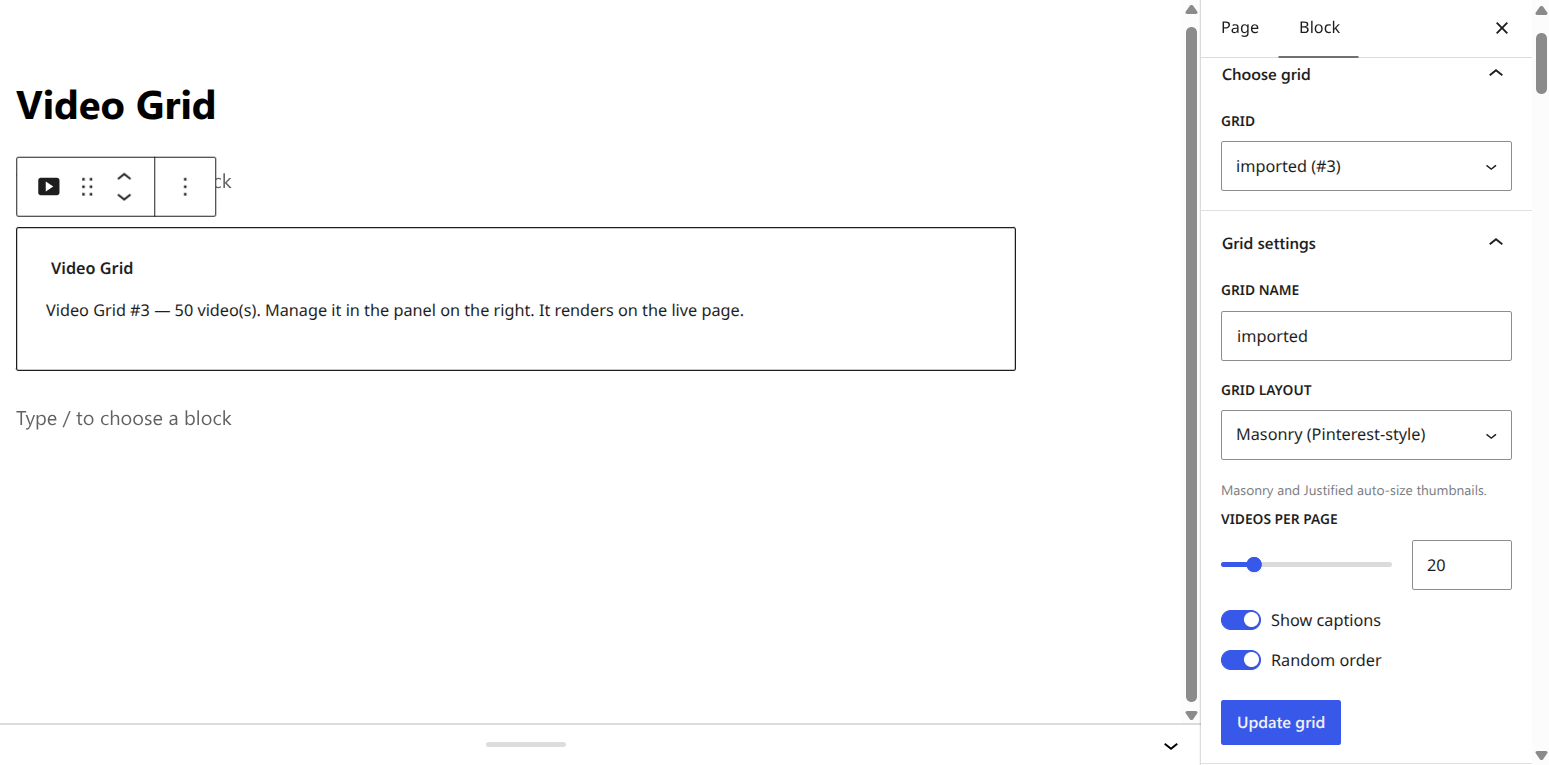
Place a video grid wherever you want using the native Gutenberg block, the Elementor widget, the Divi module, or a simple shortcode. Build and manage grids visually — no shortcode hunting.
- Video Grid block — create grids and manage videos right inside the editor
- Elementor widget and Divi module — drag, drop and select your grid
- Classic shortcode for any theme or page builder
- Compatible with WordPress Multisite
Full control over every grid
- Unlimited video grids — show different sets on different pages
- Custom thumbnail width and height
- Use a custom thumbnail, or download the video thumbnail with one click
- On/off toggle for thumbnail captions
- Change the grid background
- Set pagination size with smooth AJAX pagination
- Order videos manually, with mass video-order updates
- Sort videos in random order (now consistent across paginated pages)
- Responsive admin layout · No advertisements · WordPress capabilities support
Free vs Pro
| Free | Pro — one-time $17 | |
|---|---|---|
| Grids & layouts | ||
| Number of video grids | 1 | Unlimited |
| Standard grid layout | ✓ | ✓ |
| Masonry (Pinterest-style) layout | — | ✓ |
| Justified (edge-to-edge) layout | — | ✓ |
| Left / center / right alignment | — | ✓ |
| Video sources | ||
| YouTube | ✓ | ✓ |
| DailyMotion | ✓ | ✓ |
| Vimeo | — | ✓ |
| Metacafe | — | ✓ |
| Self-hosted HTML5 video | — | ✓ |
| Lightbox | ||
| Responsive lightbox | ✓ | ✓ |
| Modern lightbox with keyboard navigation | — | ✓ |
| Video description inside lightbox | — | ✓ |
| Open in lightbox or new browser tab | — | ✓ |
| Import & management | ||
| Bulk import a YouTube channel / playlist | — | ✓ |
| Custom thumbnail width & height | — | ✓ |
| Custom / one-click thumbnail download | — | ✓ |
| Manual video ordering & mass order update | — | ✓ |
| Random order (consistent across pages) | — | ✓ |
| AJAX pagination with custom page size | — | ✓ |
| Page builders | ||
| Gutenberg block | ✓ | ✓ |
| Elementor widget | — | ✓ |
| Divi module | — | ✓ |
| Other | ||
| WordPress Multisite | ✓ | ✓ |
| Grid preview in admin | ✓ | ✓ |
| Thumbnail captions | ✓ | ✓ |
| No advertisements | — | ✓ |
| Support | Community | Priority |





bokstavstyp –
Great supportVery good plugin, and the support is great. Quick answers and solutions
kg_wp_works –
Fantastic Work
Another great plugin for video grid.Work fine with responsive mobile view.
Very easy to use.Simply add video link and you get full video infos stored by one click..
Yes I recommend this plugin.
torres182 –
Excellent pluginI spent a long time looking for a plugin that will do the following:
Quick and easy to add videos.
Tag filtering, which a lot of plugins do not include unfortunately.
Auto pulls image and info from sites like Youtube/Vimeo (hopefully they will add Rumble.com too).
Supports self-hosted and other video sites.
Great price!
Torres
LauraHartwigDesign –
Make sure you have the latest versionThe lightbox was no longer working for me but the plugin author responded and helped me get the newest version. It is now working perfectly. Thank you!
panoslianos –
Great plugin
Wanted to add a responsive grid of youtube clips which open up in a lightbox. This did exactly that.
redneckcamp –
Not sure why it does not work after purchasing it?
EARLIER I GAVE THEM A ONE STAR: I seem to get an error either File not Found or Forbidden 500, either way it does not work. I submitted a support issue, lets see if they are able to either resolve it or refund my money back? We shall see. Today is 8/16/2016, the clock is ticking….
UPDATE THE NEXT DAY, FIVE STARS: Well I will have to say, Nik had contact me the next morning and was able to fix the issue. Security on my host server was preventing his plugin from working. I was able to give him access to my site and he fixed it within a hour or so. Very happy to see he knows what he is doing. I trust this developer .. he is honest and a trustworthy person. Thanks Nik!
delortaeagency –
Outstanding Support
Beautiful plugin. We had a slight JS issue and the support team took our Admin details, identified the problem and rectified for us, all within 24hrs. Amazing support, highly recommended and deserves all five stars. Buying a second pro version for our other website. Keep up the great work and thank you.
sighthoundscott –
Nice Plug-In, Helpful Support
The video grid plug-in is very functional and nicely displays all the videos on my portfolio without negatively impacting the performance of my website. I had a couple requests to customize some aspects of the CSS. Support was quick to reply with the changes I requested. I would definitely recommend the plug-in if you need a simple and clean way to display videos on your WordPress website.
donnabarr –
Great Support!
I had put in the wrong youtube urls. Support answered my inquiry in less than 12 hours with a sample of the correct format for the plug-in to work. My gallery works perfectly now. Thank You!
I would suggest that the correct format for the plugin be included in the instructions.
bombardos –
Great support
Had a small issue with the grid lining up properly, but after contacting them they sorted it out straight away. I can’t praise a company enough that fully supports their product and goes out of their way to
David –
Perfect! Really slick!
I googled what I needed. Came across this. Took a chance on it. The price was very reasonable so I thought why not. Best move I ever made. It’s changed the functionality of my modest website. I’m so glad I have it. Look no further for an amazing lightbox grid. It allows you to open up youtube videos instantly (on your website) just by clicking on it. I had an issue with losing my zip download and the author got back to me instantly and sorted my problem. All he asked was I leave a review. Well, my pleasure. Here it is!
donnabarr –
Great Support!
I had put in the wrong youtube urls. Support answered my inquiry in less than 12 hours with a sample of the correct format for the plug-in to work. My gallery works perfectly now. Thank You!
I would suggest that the correct format for the plugin be included in the instructions.
sunny park –
good good!
정말좋어요 강력 추천드립니다.
spiezz –
Just Get the Pro Version
Amazing Support!
Saved me so much time and frustration. Responsive, helpful, professional.
It works really well and looks super professional.
SO worth the money!
Can’t say enough good things about Nik!
K