


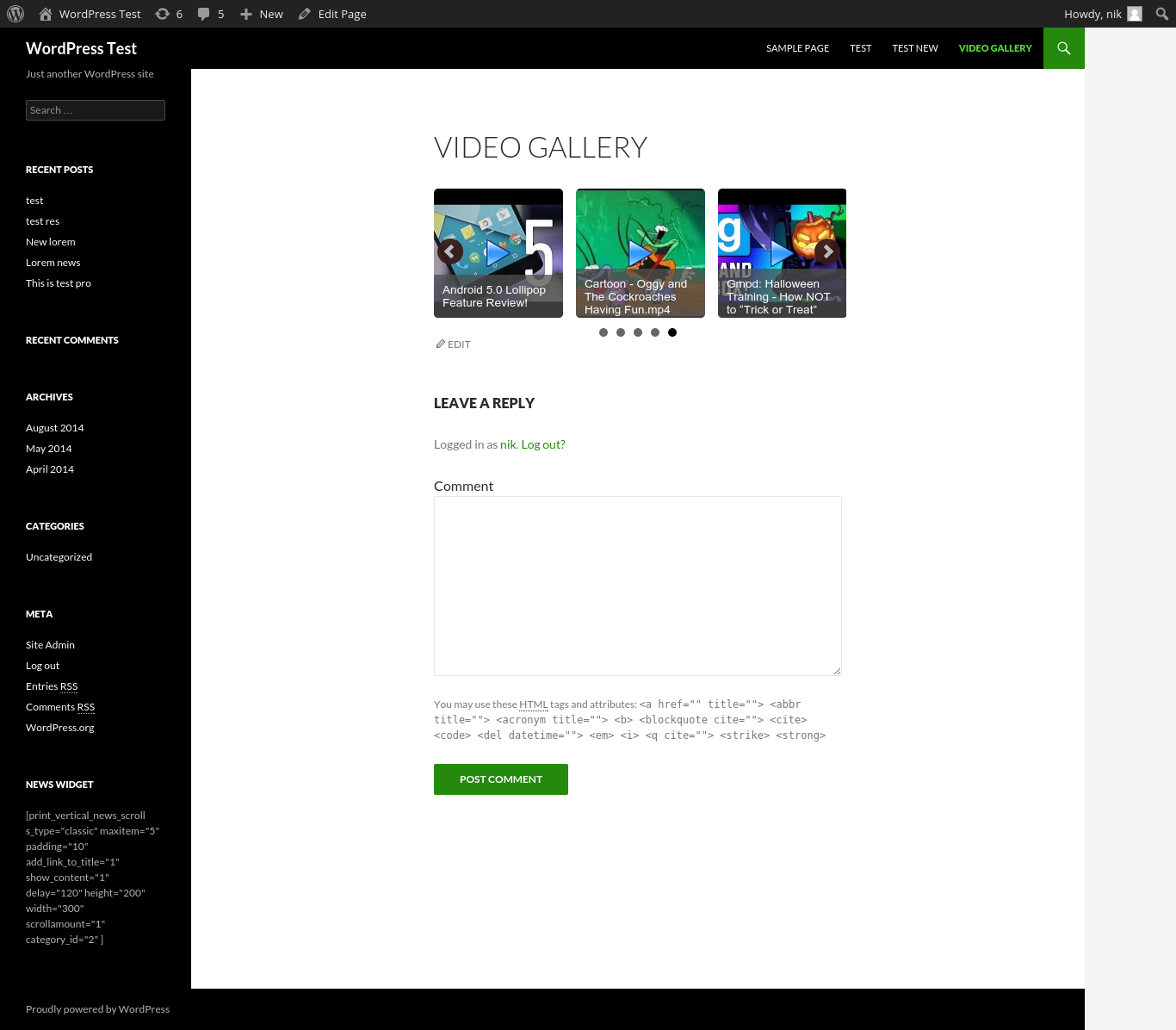
Description
The Complete WordPress Video Gallery Plugin
WordPress Video Gallery Plugin Pro turns any WordPress site into a professional video showcase. Pull in videos from YouTube, Vimeo, Dailymotion, Metacafe, or upload your own HTML5 files — organize them into unlimited, beautifully animated galleries with a modern, no-jQuery-required slider engine and a proper lightbox, and drop them into your pages with the block editor, Elementor, or Divi. No monthly subscription, no per-video fees.
🆓 Using the free version? You get one video gallery with YouTube, Dailymotion, and Vimeo support. PRO unlocks unlimited galleries, Metacafe and HTML5 video, Elementor/Divi widgets, bulk YouTube playlist import, and a lot more below. Download the free version on WordPress.org
Modern, No-jQuery Slider Engine (with a Legacy Fallback)
Every gallery can run on either engine — switch per gallery, any time:
- Modern engine — lightweight, touch/swipe-friendly, no jQuery dependency, with real Penner/easings.net easing curves (true Bounce and Elastic effects, not just an approximate CSS transition)
- Legacy engine — the original bxSlider-based engine, kept for sites already relying on its exact behavior
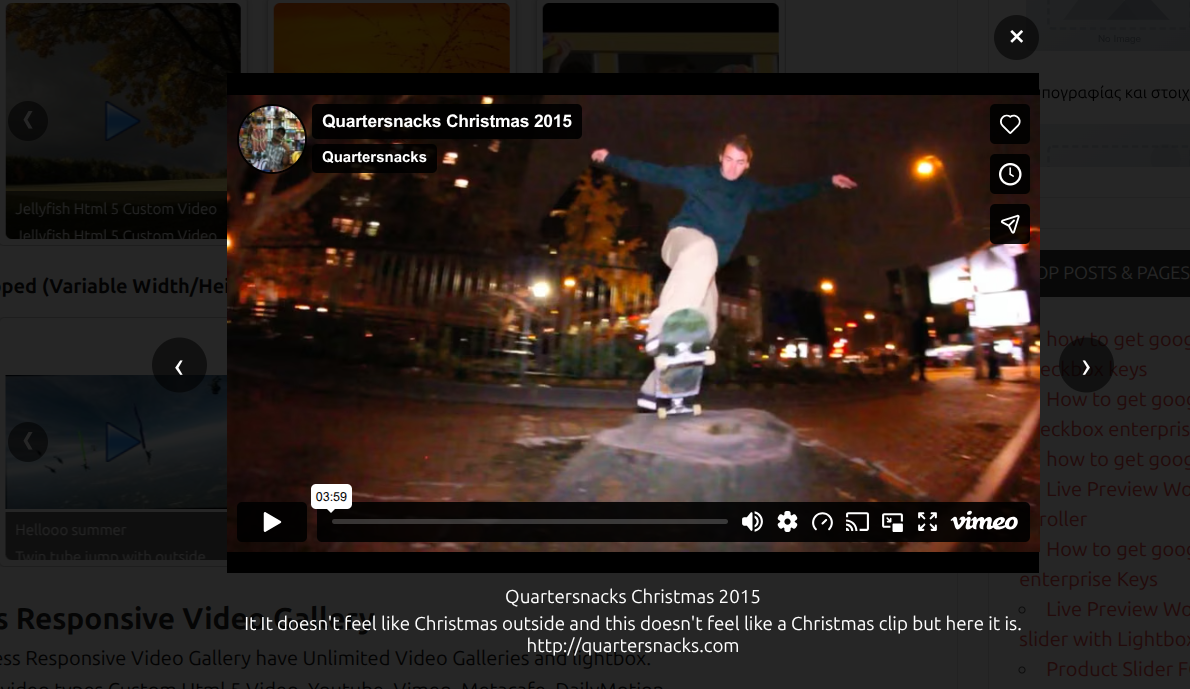
- Both engines share the same modern, dependency-free lightbox with proper video-stop-on-close behavior
5 Video Types, One Gallery
Mix and match freely within the same gallery:
- YouTube — paste a URL, title/description/thumbnail fetch automatically
- Vimeo — paste a URL, title/description/thumbnail fetch automatically
- Dailymotion — paste a URL, title/description/thumbnail fetch automatically
- Metacafe — paste a URL, title/description/thumbnail fetch automatically
- HTML5 — upload your own video files (media library or external URL), with up to 4 fallback source formats for browser compatibility
Bulk Import from a YouTube Channel or Playlist
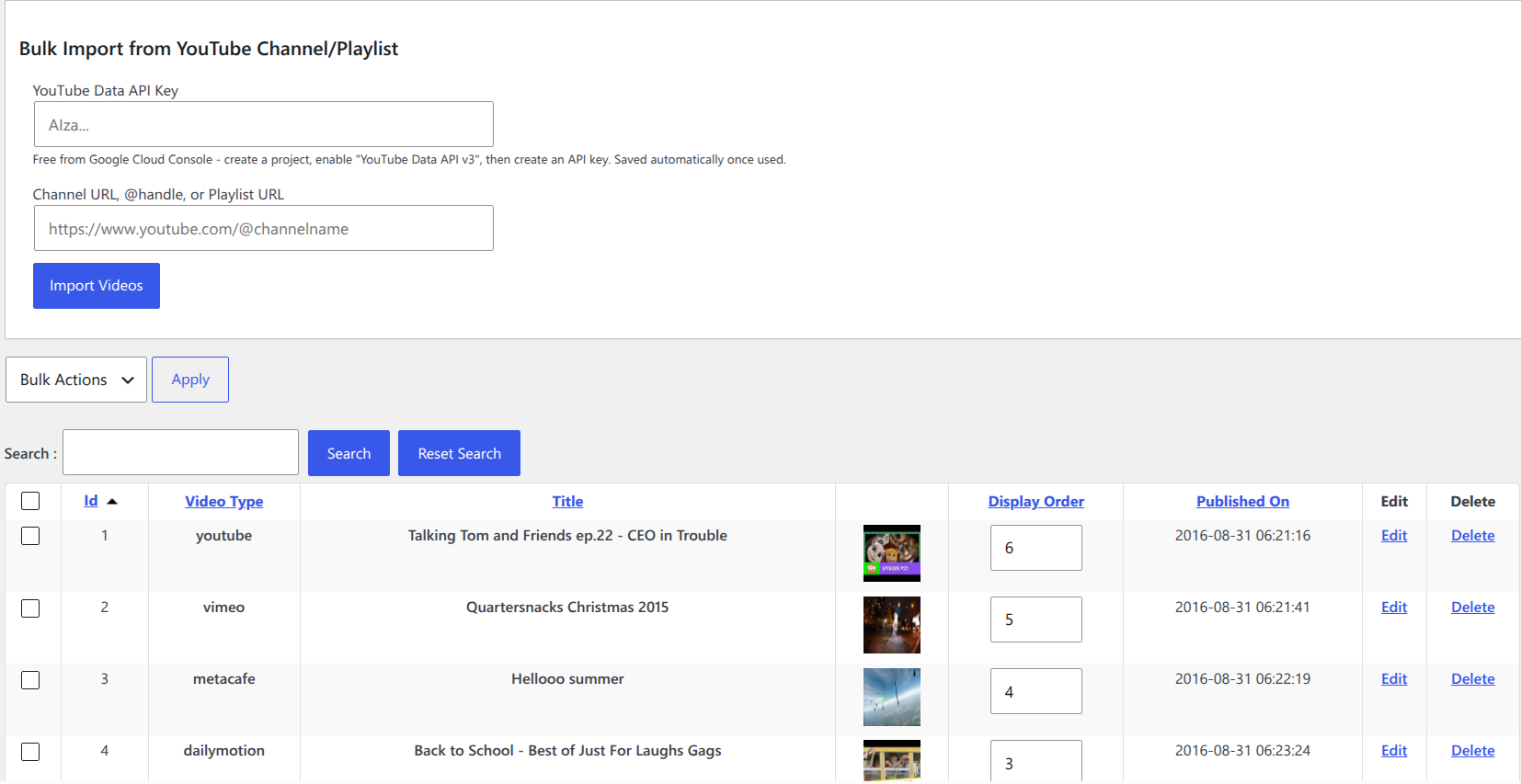
Stop adding videos one at a time. Paste a channel URL, @handle, or playlist URL, plug in a free YouTube Data API key, and import up to 50 videos per click — title, description, and thumbnail all pulled in automatically, exactly as if you’d added each one by hand. Deleted or private videos in a playlist are skipped automatically.
Build Anywhere: Block Editor, Elementor & Divi
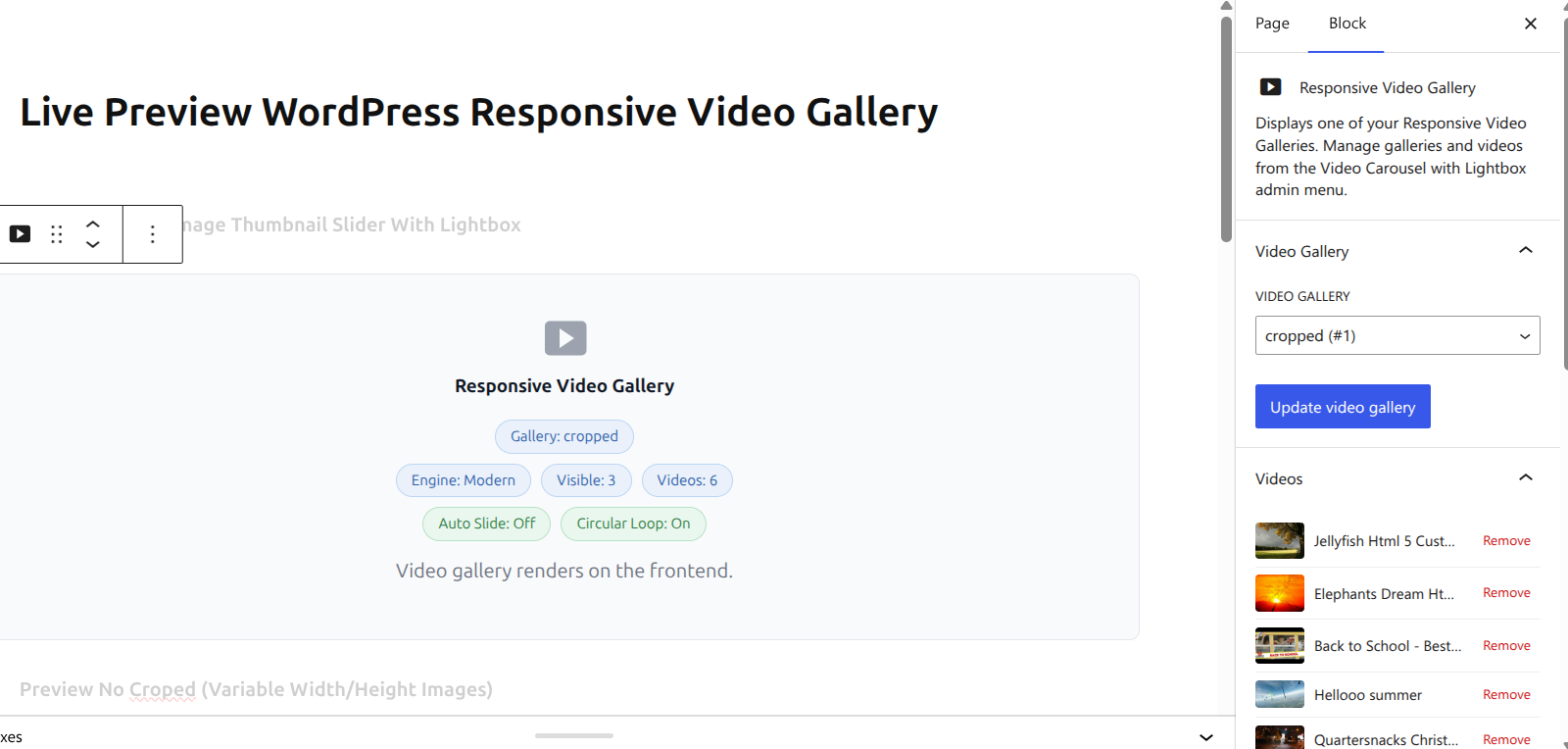
- Native Gutenberg block — create or edit a gallery’s full settings directly from the block sidebar (behavior, layout, appearance, lightbox, engine), no need to leave the editor. Add and remove YouTube/Vimeo/Dailymotion/Metacafe videos right from the block too.
- Elementor widget — drag a “Responsive Video Gallery” widget into any layout, pick a gallery from a dropdown
- Divi module — same, built for the Divi Builder, with a dedicated CSS fix so Divi’s own theme styles never fight the gallery’s design
Built for SEO
- Schema.org VideoObject markup (JSON-LD) automatically added to every gallery page — helps your videos qualify for rich video results directly in Google search
- Works across all 5 video types and both slider engines
Full Styling Control, Per Gallery
- Crop or no-crop thumbnail images
- Border color, border radius, and box shadow color — all independently configurable
- Custom lightbox width and height
- Slide caption with video title, toggleable
- Circular (looping) or standard slider modes
- Auto-slide with configurable speed and pause duration
- Left/right arrows, pagination dots, or both — shown automatically only when there’s actually more than one page of content
Manage Videos Your Way
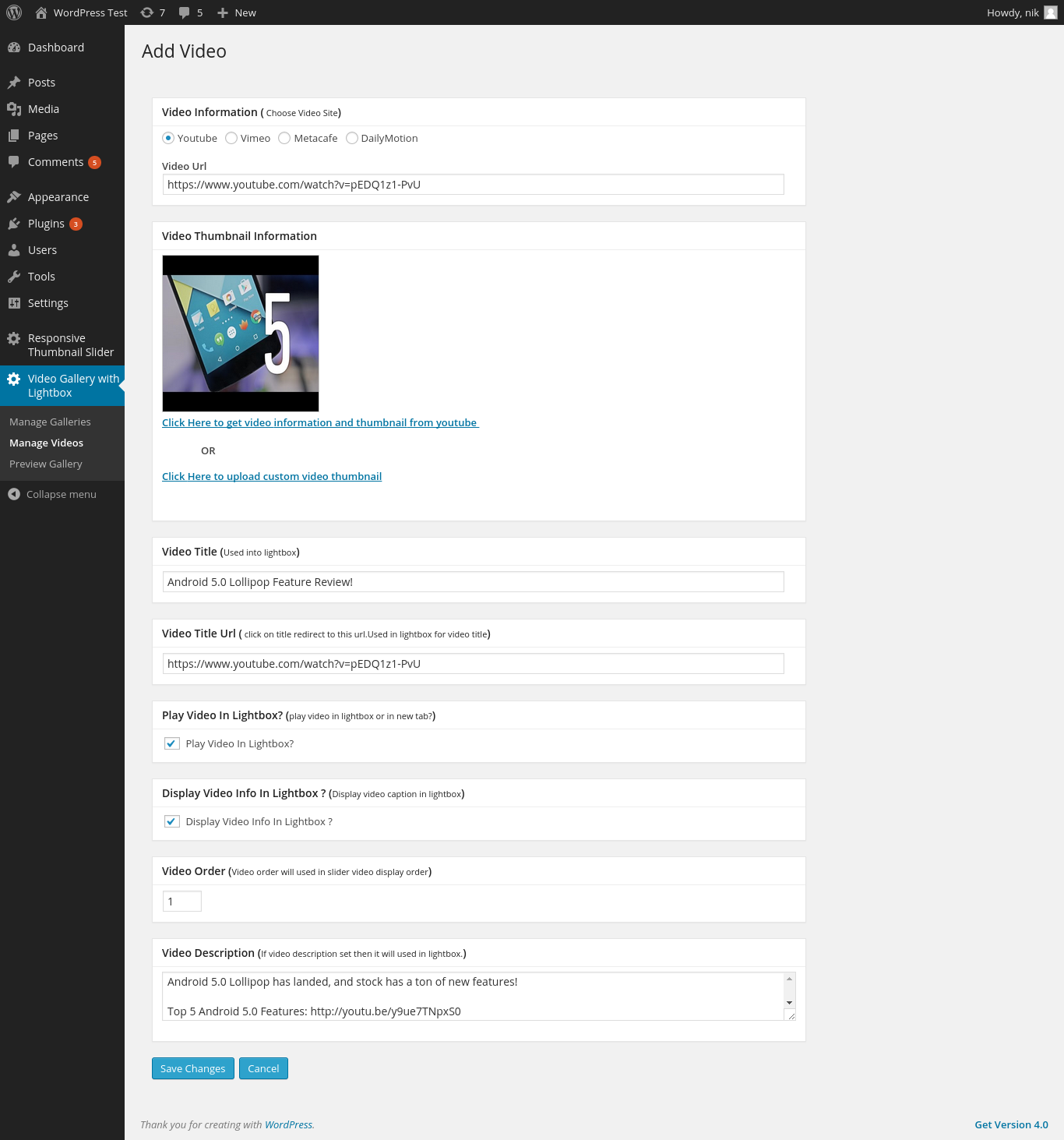
- Auto-fetch title, description, and thumbnail — just paste a URL
- One-click thumbnail re-download, or upload your own custom thumbnail
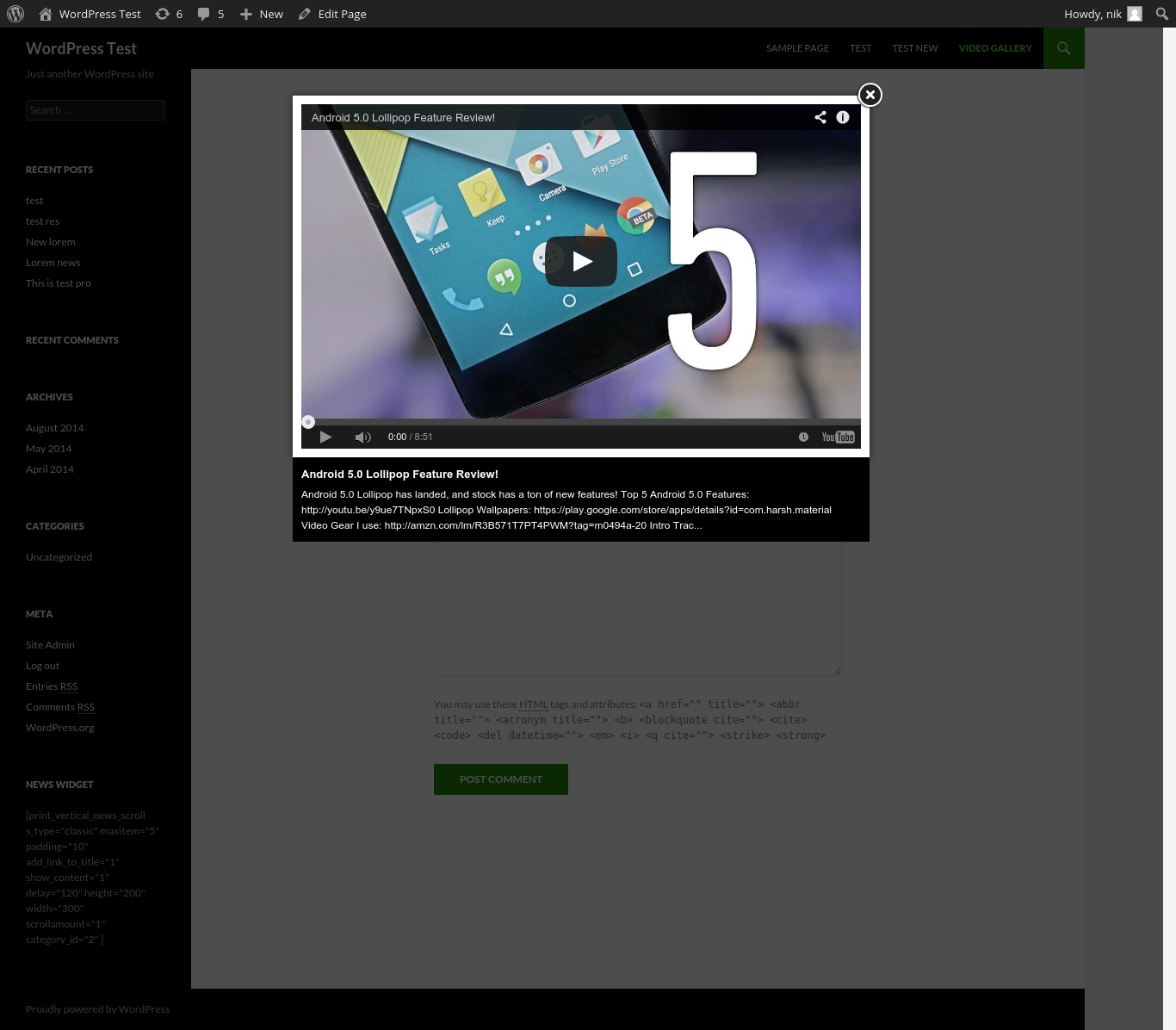
- Video description shown directly in the lightbox
- Set video order manually, or randomize on each page load
- Open videos in the lightbox, or in a new browser tab
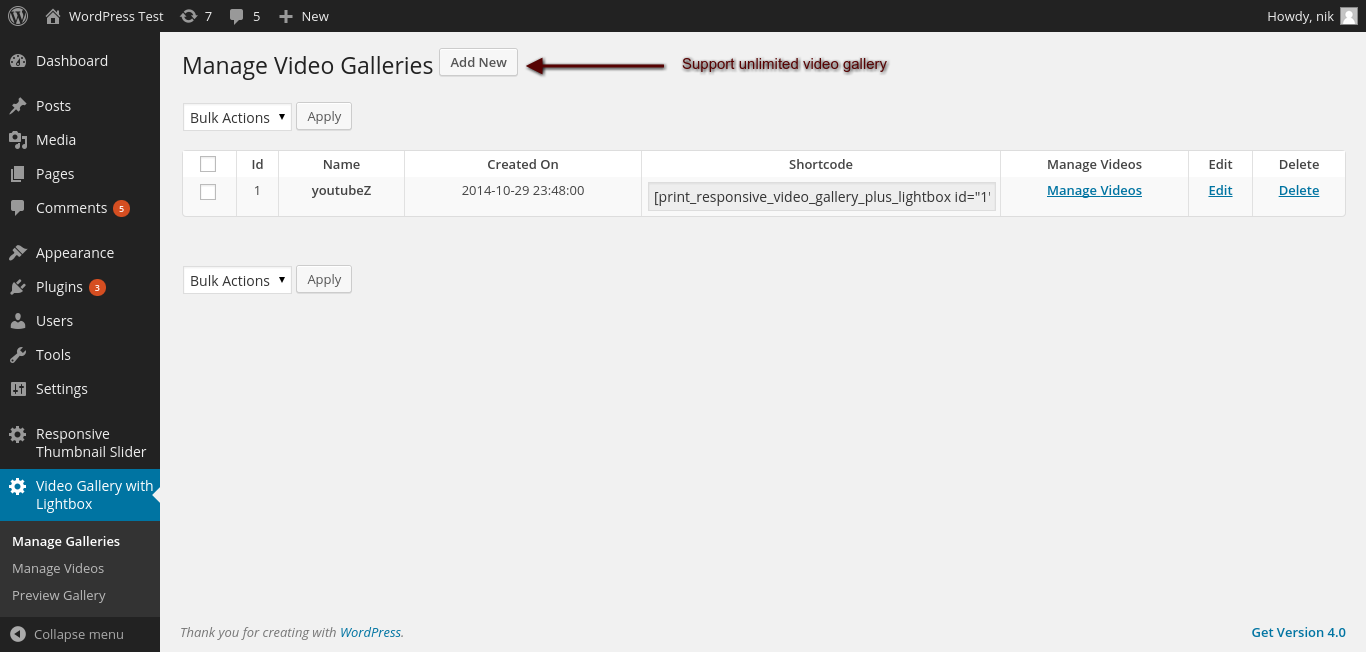
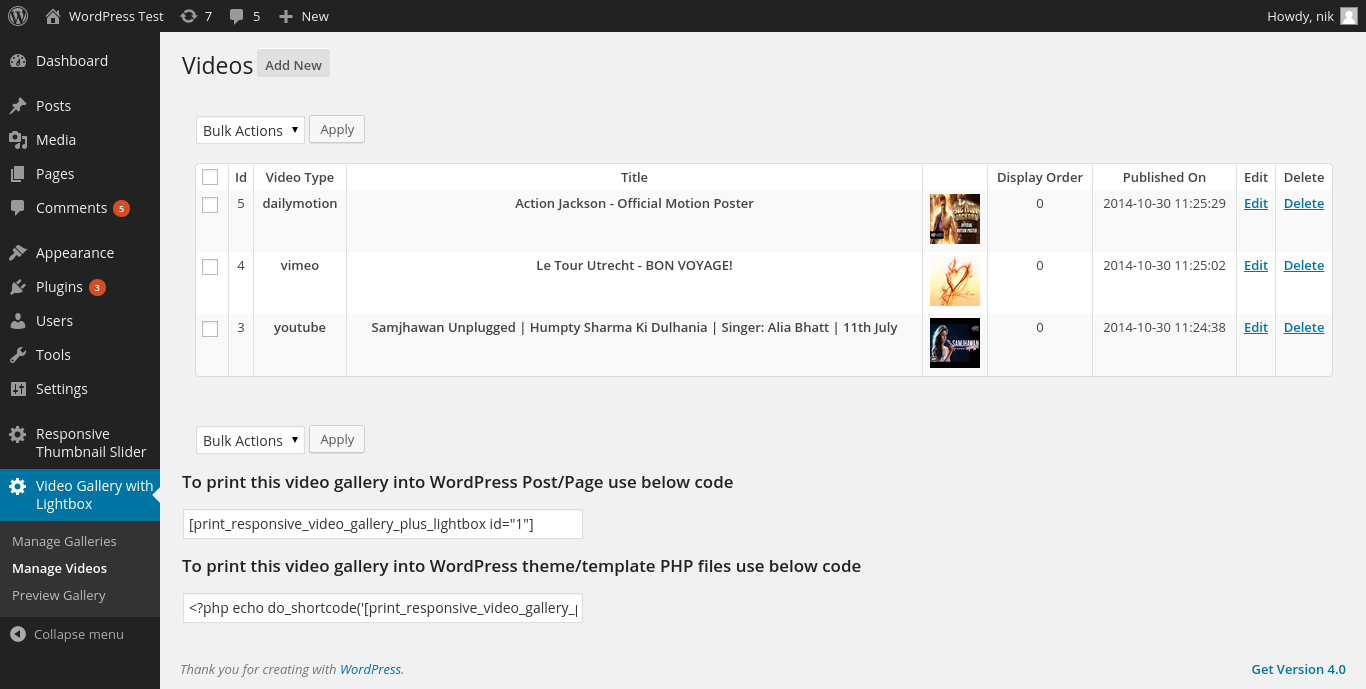
- Add, edit, and delete videos and entire galleries from a clean, responsive admin screen
All Features
Video & Gallery
- ✅ Unlimited video galleries (multiple, independently configured)
- ✅ YouTube, Vimeo, Dailymotion, Metacafe, and custom HTML5 video
- ✅ Bulk import from a YouTube channel or playlist (Pro)
- ✅ Auto-fetch title, description, and thumbnail from video URL
- ✅ Custom thumbnail upload or one-click auto-download
- ✅ Video description shown in the lightbox
- ✅ Manual video ordering, with mass order update
- ✅ Randomize video order on page load
- ✅ Open video in lightbox or new browser tab
Slider & Lightbox
- ✅ Modern (no-jQuery) and Legacy (bxSlider) engines, selectable per gallery
- ✅ Real Penner/easings.net easing effects on the Modern engine — 16 curve types including true Bounce and Elastic
- ✅ Circular/looping or standard slider modes
- ✅ Auto-slide with configurable speed and pause
- ✅ Left/right arrows and pagination dots, shown only when actually needed
- ✅ Configurable lightbox width and height
- ✅ Crop / no-crop thumbnail display
- ✅ Border color, border radius, box shadow — fully customizable
- ✅ Caption with video title, toggleable
Page Builders & Editor
- ✅ Native Gutenberg block with full settings sidebar
- ✅ Create/edit galleries and add/remove videos directly from the block
- ✅ Elementor widget
- ✅ Divi module, with a dedicated Divi CSS compatibility fix
- ✅ Shortcode support for any theme or builder
SEO & Technical
- ✅ Schema.org VideoObject (JSON-LD) structured data on every gallery
- ✅ Responsive, mobile-optimized on every gallery and lightbox
- ✅ Compatible with WordPress Multisite
- ✅ No advertisements, anywhere in the admin
Who Is This For?
- 🎬 Content creators & YouTubers — showcase your channel’s videos in a proper on-site gallery instead of a single embed, and pull in whole playlists in one click
- 📰 Blogs & media sites — organize video content by topic across multiple, independently styled galleries
- 🏢 Business & marketing sites — testimonial reels, product demo videos, and case study walkthroughs, styled to match your brand
- 🎓 Course & membership sites — organize lesson videos with titles and descriptions visible right in the lightbox
- 🛠️ Agencies & freelancers — build with Elementor or Divi without fighting page-builder CSS conflicts
Free vs PRO Comparison
| Feature | Free | PRO |
|---|---|---|
| Video galleries | 1 | Unlimited |
| Video types | YouTube, Dailymotion, Vimeo | + Metacafe, HTML5 |
| Slider engines | Modern + Legacy | Modern + Legacy |
| Easing effects | — | ✅ 16 real easing curves |
| Gutenberg block | ✅ Insert only | ✅ Full create/edit + video management |
| Elementor widget | ❌ | ✅ |
| Divi module | ❌ | ✅ |
| Bulk YouTube import | ❌ | ✅ |
| Lightbox width/height control | ❌ | ✅ |
| Crop/border/shadow styling | ❌ | ✅ |
| Video order + mass update | ❌ | ✅ |
| VideoObject SEO schema | ✅ | ✅ |
| No advertisements | ✅ | ✅ |






wp_solution123 –
Best video slider ever
I have used many video slider but this is what I found best one
Thanks developer for free plugin I may update to full version
martcookiemedia –
great
awesome plugin
ricky154 –
fantastic plugin
This plugin superfast.easy to understand. Just enter YouTube video URL and featch all info and save.
Use short code and your video gallery is ready…
Many Thank you for such plugin
norofilm –
super
vsetko funguje.
tajmohamed30 –
great video plugin for youtube video
thanks for this.