


Description
Grow Your Email List the Smart Way
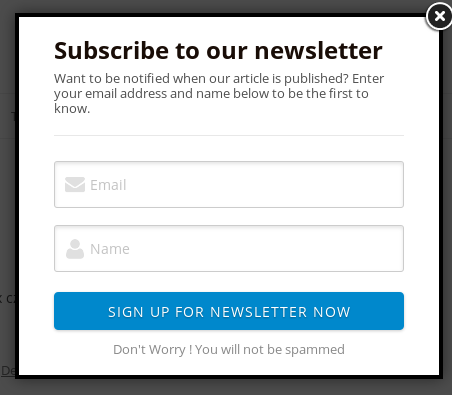
WordPress Email Subscription PRO is the most powerful email list building plugin for WordPress. Whether you want a stunning modal popup, a non-intrusive slide-in bar, or a coupon reveal that rewards subscribers — this plugin does it all, without any monthly subscription fees.
🆓 Using the free version? You get 3 popup styles and up to 500 subscribers. PRO unlocks 9 styles, unlimited subscribers, 4 ESP integrations, analytics and much more. Download free version on WordPress.org
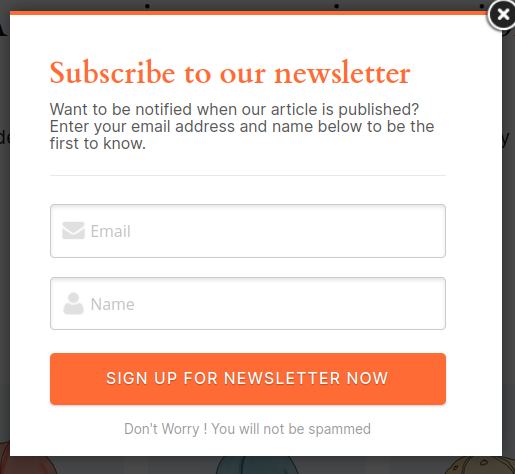
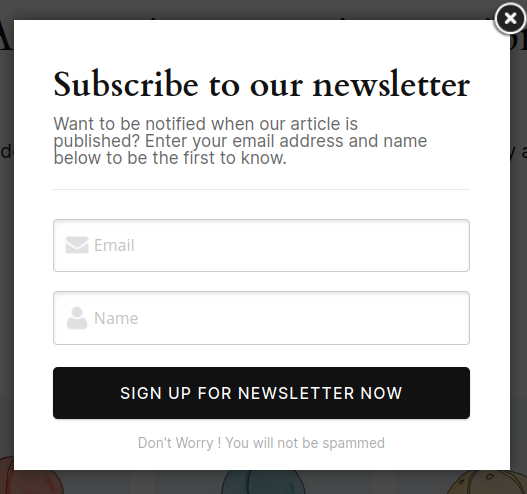
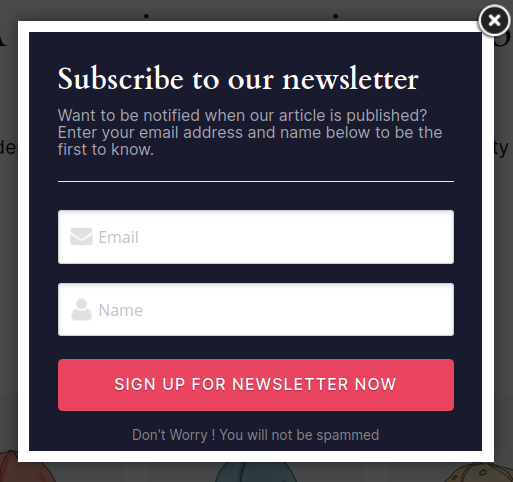
9 Stunning Popup Styles
Every style is fully customizable with color pickers for every element — background, buttons, text, borders, accents.
| Style | Name | Description |
|---|---|---|
| Style 1 | Classic Light | Clean white popup, proven design |
| Style 2 | Classic Centered | Centered layout with soft styling |
| Style 3 | Classic Full | Full-width header design |
| Style 4 | Dark / Night | Dark background with red accent — great for tech and gaming sites |
| Style 5 | Minimal / Clean | White, large typography, no border — modern and elegant |
| Style 6 | Bold / Vibrant | Strong orange accent — perfect for e-commerce and promotions |
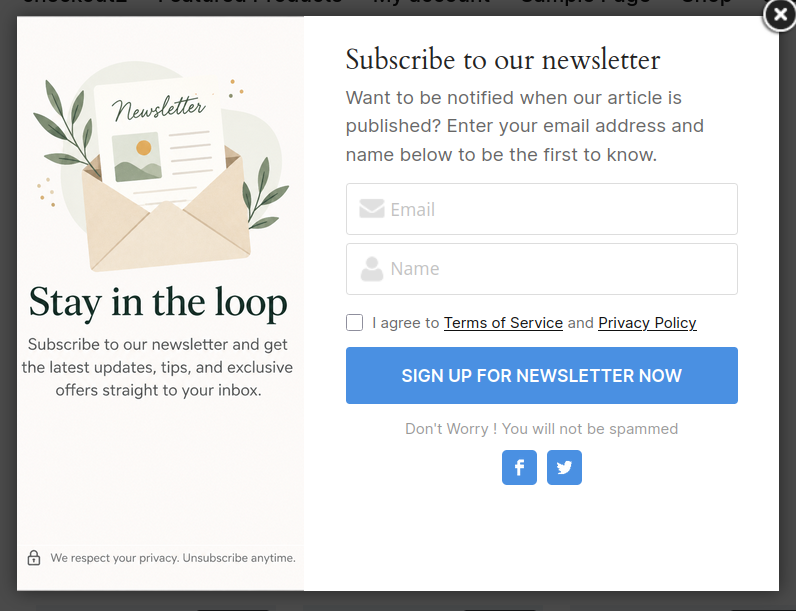
| Style 7 | Split Layout | Image panel on left + form on right with customizable colorful top bar |
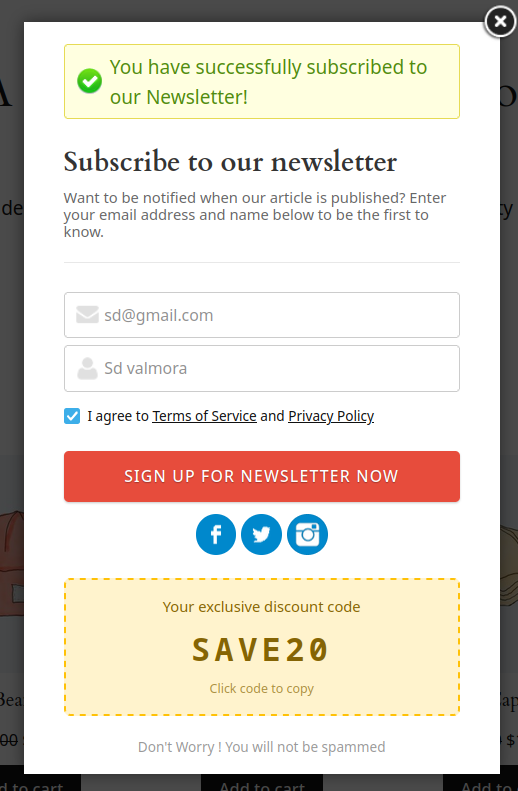
| Style 8 | Coupon Reveal | Show a discount code after subscription — click to copy |
| Style 9 | Slide-in Bar | Non-intrusive bar at top or bottom of page — less annoying than a modal |
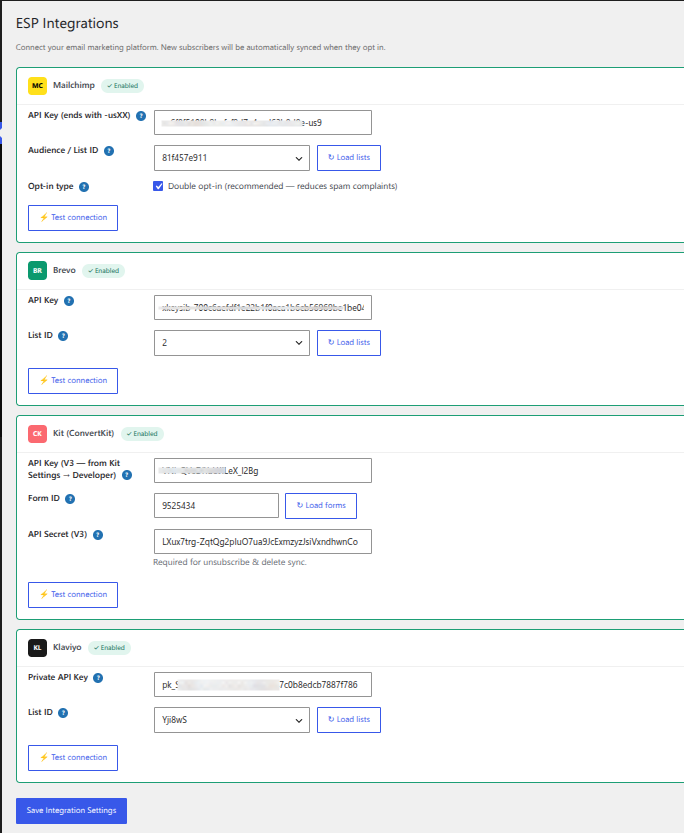
4 ESP Integrations — Sync Subscribers Automatically
Connect to your email marketing platform and new subscribers sync instantly — no manual export needed.
Mailchimp
- Subscribe, unsubscribe, resubscribe sync
- Bulk import from WordPress to Mailchimp
- Double opt-in support
- Test connection from admin panel
Brevo (Sendinblue)
- Full subscriber sync
- Unsubscribe handling
- Bulk import
Kit (ConvertKit)
- Tag-based subscriber sync
- Subscriber management
Klaviyo
- Profile sync with list management
- Bulk import
All ESPs support automatic sync on new subscription, unsubscribe sync, and a built-in connection test.
Analytics Dashboard
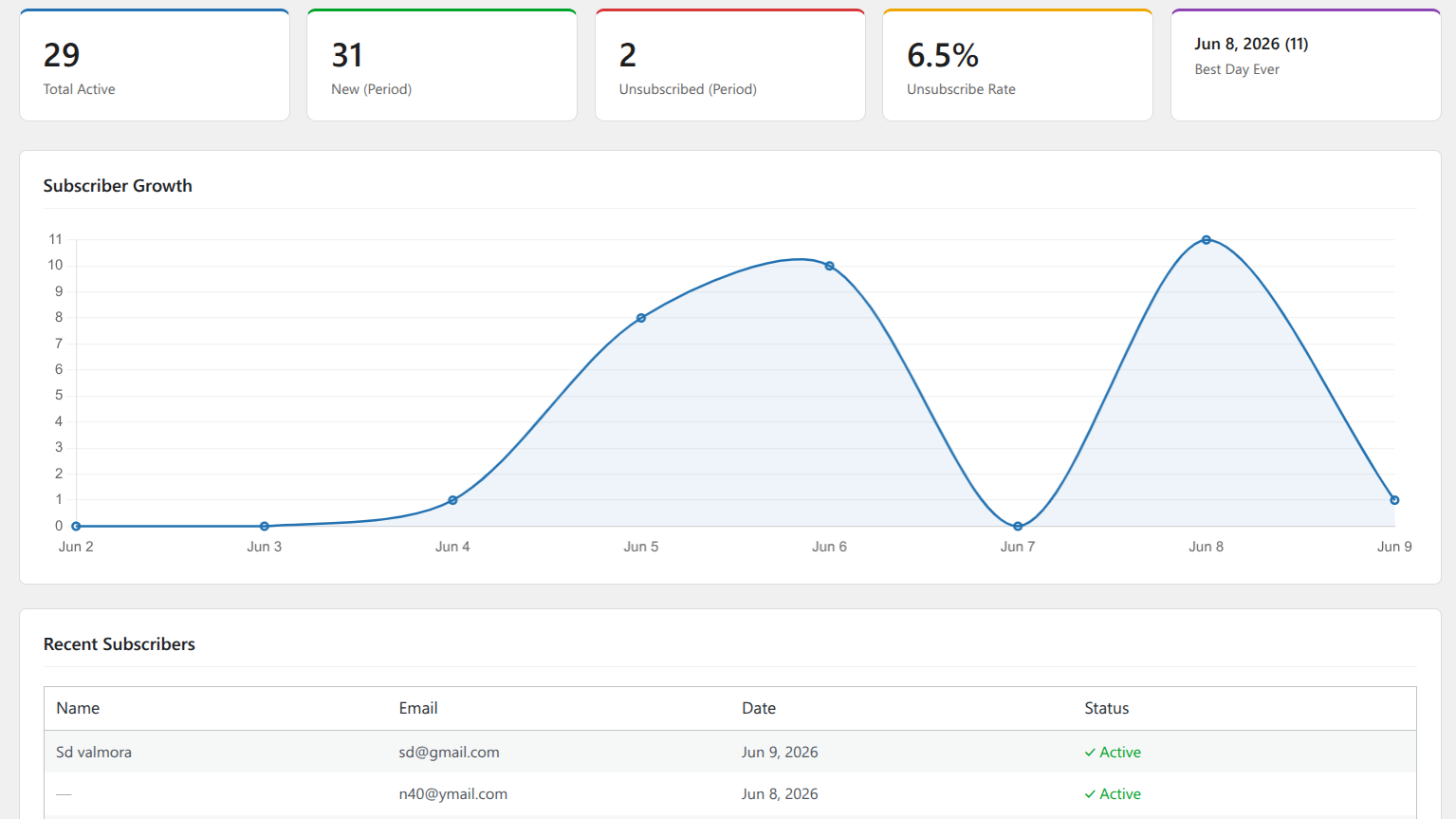
Know exactly how your list is growing with the built-in analytics dashboard:
- 📈 Subscriber growth chart — powered by Chart.js with smooth line graph
- 📅 Date range picker — quick buttons for 7 days, 30 days, 90 days, 1 year, or all time
- 📊 Summary cards — Total Active, New Subscribers, Unsubscribed, Unsubscribe Rate, Best Day
- 👥 Recent subscribers table — see who just signed up
Exit-Intent Trigger
Show your popup exactly when a visitor is about to leave your site. Exit-intent detects when the mouse moves toward the browser’s top bar and triggers the popup at that moment — giving you one last chance to capture the subscriber.
- ⚙️ Configurable sensitivity (pixels from top)
- 🍪 Independent cookie — doesn’t clash with regular popup trigger
- 🔄 “Show every time” option for maximum capture rate
Native Gutenberg Block
Drag and drop the subscription form anywhere in your WordPress pages, posts or Full Site Editor templates.
Search for “Email Subscribe PRO Form” in the block inserter. Full sidebar controls for:
- Custom heading and subheading per block
- Email, name and submit button labels
- Show/hide name field toggle
- GDPR agreement checkbox with custom text
- All validation and status messages customizable per instance
Coupon Reveal Popup (Style 8)
Turn subscriptions into conversions. After a visitor enters their email:
- They see a “Subscribe” button
- On successful subscription → coupon code is revealed
- Click to copy the code to clipboard
- Popup stays open so they can use the code immediately
Set your coupon code, label, and colors in the style settings.
Slide-in Notification Bar (Style 9)
A thin bar that slides in from the bottom (or top) of the screen — much less intrusive than a modal popup. Visitors can continue reading your content and subscribe when ready.
- 📍 Position: bottom or top of screen
- 🎬 Animation: slide or fade
- 🍪 Shares cookie with regular popup — won’t double-show to the same visitor
- 📱 Fully responsive on mobile
GDPR Compliance
Add a consent checkbox to your popup with fully customizable text and links to your Terms of Service and Privacy Policy. Required for EU compliance and trusted by customers worldwide.
All Features
Popup & Display
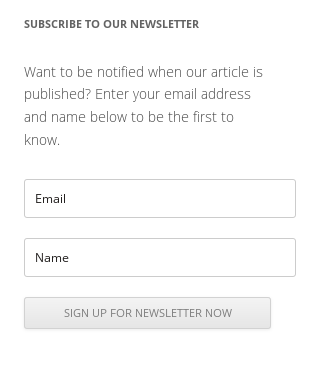
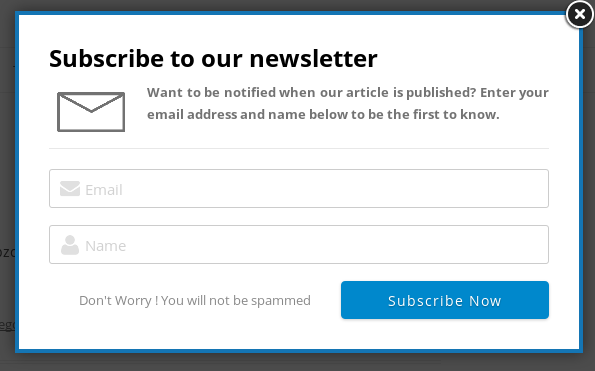
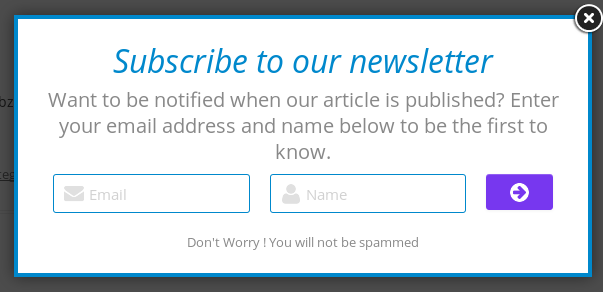
- ✅ 9 popup styles with full color customization
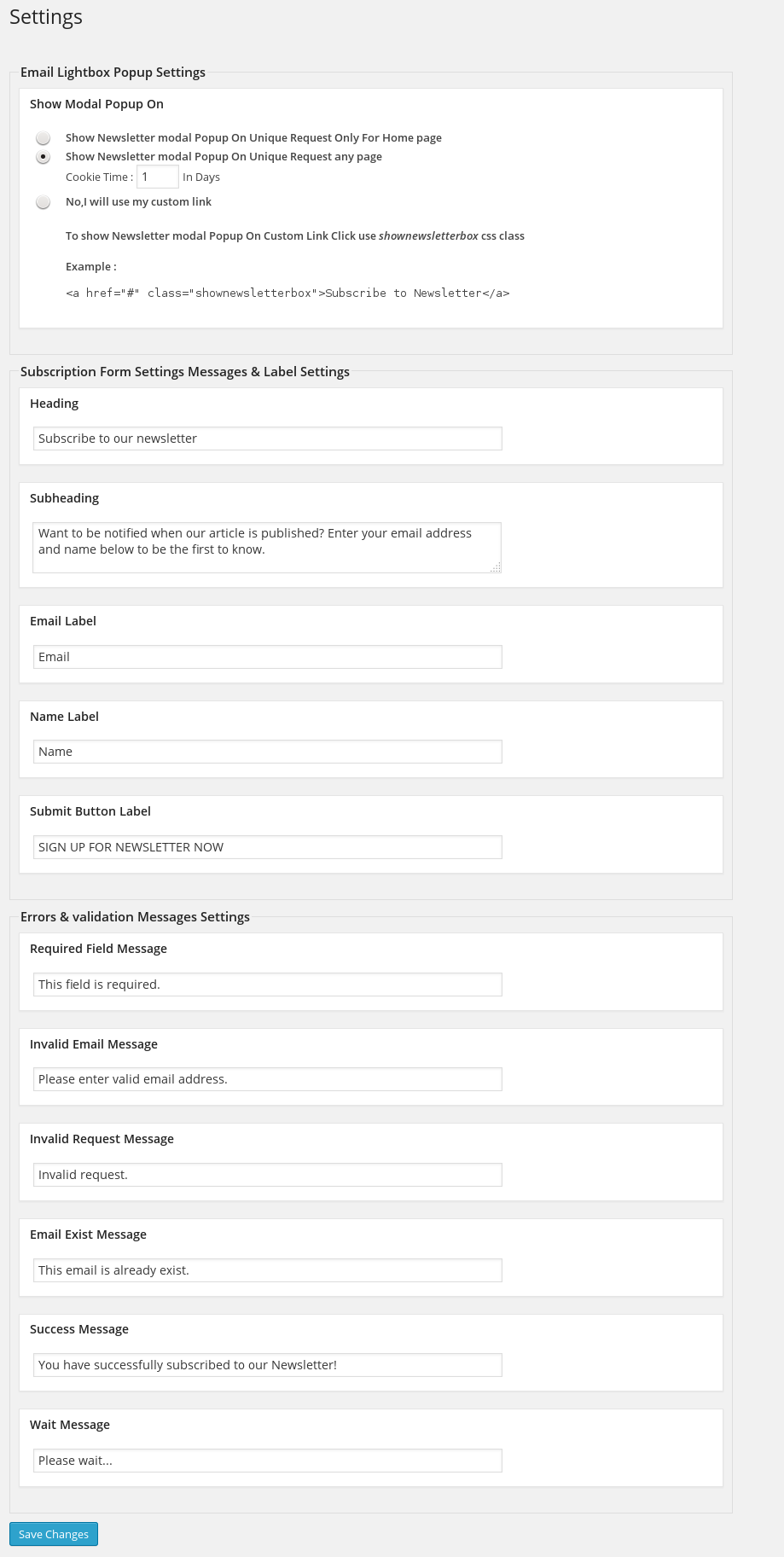
- ✅ Auto lightbox on page load with configurable delay
- ✅ Custom link trigger — open popup on any button or link click
- ✅ Show on homepage only or all pages
- ✅ Cookie control — set days before showing again per visitor
- ✅ Exit-intent trigger with sensitivity control
- ✅ Slide-in bar (bottom/top, slide/fade)
- ✅ Coupon reveal with click-to-copy
- ✅ Split layout with custom image upload
- ✅ Colorful top bar for split layout (4 customizable segments)
- ✅ Social media icons in popup (Facebook, Twitter, Instagram, YouTube)
- ✅ GDPR consent checkbox with custom text
- ✅ Show/hide name field
- ✅ Responsive design — mobile optimized
- ✅ Gutenberg block — embed form anywhere
ESP Integrations
- ✅ Mailchimp — unlimited syncs, double opt-in, bulk import
- ✅ Brevo (Sendinblue) — full sync
- ✅ Kit (ConvertKit) — tag-based sync
- ✅ Klaviyo — profile sync
- ✅ Auto-migrates Mailchimp settings from free version on upgrade
Analytics & Management
- ✅ Full analytics dashboard with growth chart
- ✅ Date range picker with quick buttons
- ✅ Unsubscribe rate tracking
- ✅ Best performing day tracker
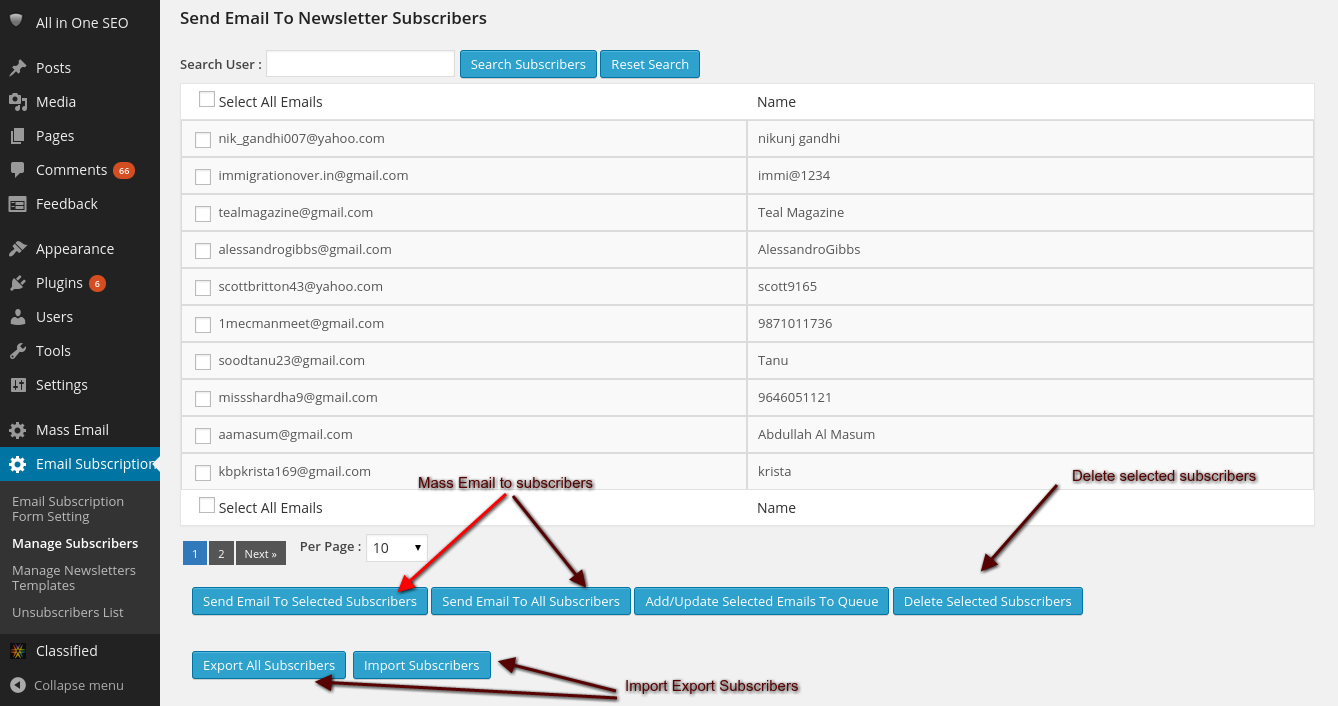
- ✅ View and manage all subscribers
- ✅ Search and filter subscribers
- ✅ Mass delete subscribers
- ✅ Export subscribers to CSV
- ✅ Import subscribers from CSV (unlimited)
- ✅ View and manage unsubscribers
- ✅ Resubscribe previously unsubscribed users
Email & Notifications
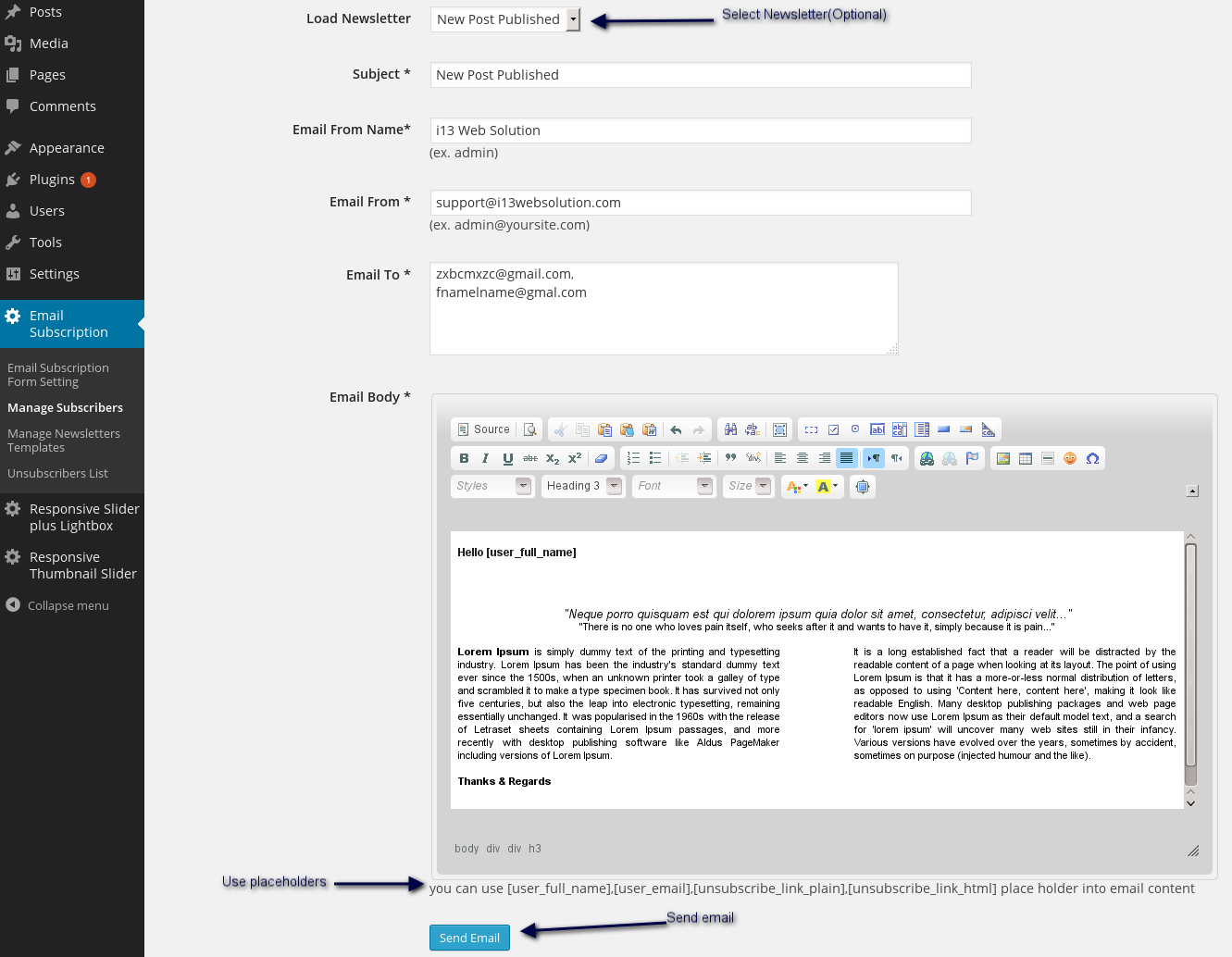
- ✅ Mass email to all subscribers
- ✅ Newsletter email templates
- ✅ Scheduled mass email via WordPress cron
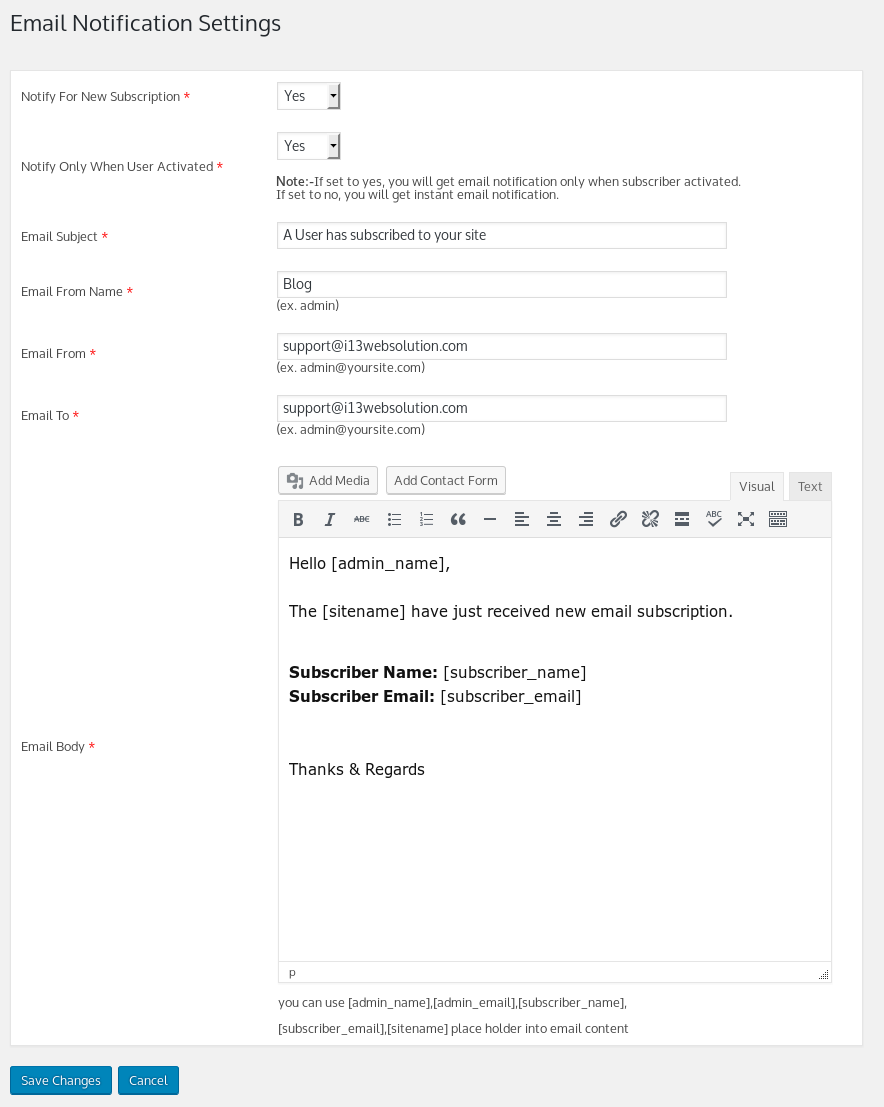
- ✅ Admin notification on new subscription
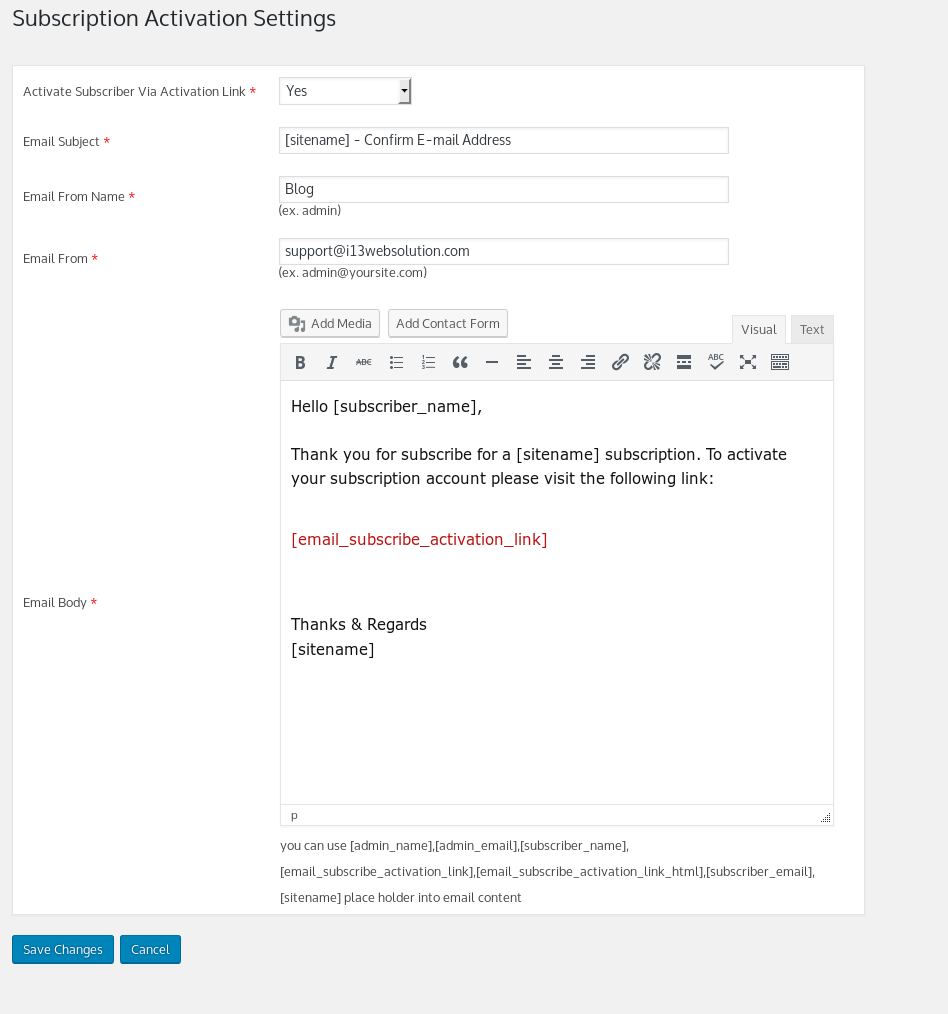
- ✅ Subscriber activation via email confirmation (optional)
- ✅ Placeholders: username, email, unsubscribe link
WordPress Integration
- ✅ Onboarding wizard — guided setup on first install
- ✅ Native Gutenberg block with sidebar controls
- ✅ WordPress widget — drag to any widget area
- ✅ Shortcode support
- ✅ Multisite compatible
- ✅ WordPress user roles and capabilities
- ✅ Translation ready (WPML compatible)
- ✅ No third-party ads
- ✅ Unlimited subscribers — no artificial limits
Who Is This For?
- 🛍️ WooCommerce stores — grow your list and send promotions with coupon reveal popup
- 📰 Blogs and news sites — notify readers of new articles with exit-intent capture
- 🏢 Business websites — professional split-layout popup with your brand image
- 🎓 Online courses — collect leads with GDPR-compliant consent checkbox
- 📱 Any WordPress site — works with any theme, any page builder
Free vs PRO Comparison
| Feature | Free | PRO |
|---|---|---|
| Popup styles | 1 | 9 |
| Subscribers | 500 limit | Unlimited |
| ESP integrations | Mailchimp (100/month) | Mailchimp + Brevo + Kit + Klaviyo (unlimited) |
| Analytics dashboard | Basic count | Full dashboard with chart |
| Exit-intent trigger | ❌ | ✅ |
| Coupon reveal popup | ❌ | ✅ |
| Split layout popup | ❌ | ✅ |
| Slide-in bar | ❌ | ✅ |
| CSV import | ❌ | Unlimited |
| Gutenberg block | ✅ Basic | ✅ Full controls |
| Mass email | ❌ | ✅ |
| Email templates | ❌ | ✅ |
| Admin notifications | ❌ | ✅ |
| Activation email | ❌ | ✅ |



msddev (@msddev) –
Great plugin … AND support
Great plugin. Had a CSS issue (conflict with theme class name). Nik was completely responsive and resolved the problem quickly. I’m not sure what more you could ask for. Highly recommended.
soytandem –
Exactly what I was looking for.Easy to configure, only the necesary, and email data base inside wp. Great plugin!
SkytrUK –
Excellent. Exactly what I was looking for.
Found this amazing plugin. Exactly what I was looking for.
With brilliant support.
Kyle Bondo (@leafbreeze) –
Simple Optin Form Took 5-Mins to Get Working
This is a really easy plugin to install and setup. It took about 5-minutes to figure out and create a 1-time popup for a new visitor AND a way to Optin via a link.
It has a few sizing bugs that need to get worked out (e.g. sizing the box is a big one – would have been 5 stars otherwise – however, if you modify the .container CSS width, it works great!) Sizing options in admin would be nice, but otherwise I like it for its simplicity!
Thank you for building it and I’m looking forward to the next version!
dhastar (@dhastar) –
Best Newsletter Lightbox & Widget
I have used this plugin for newsletter lightbox as well as newsletter widget in sidebar.
Working fantastic..
designbymorph –
Does what you need it to!
Very responsive customer support. Does what you need it to. Thanks!
jomol –
Popup working goodGood