


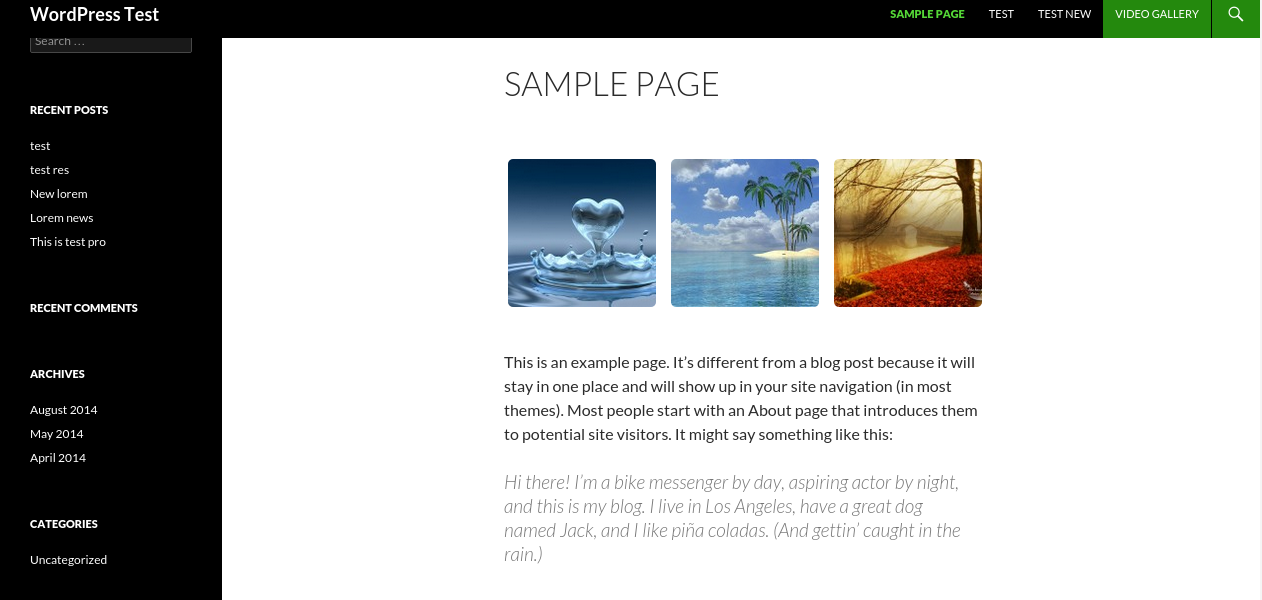

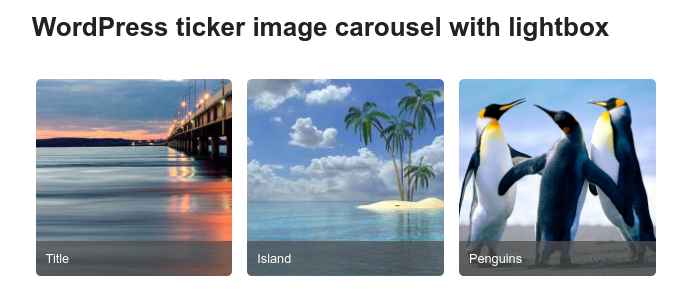
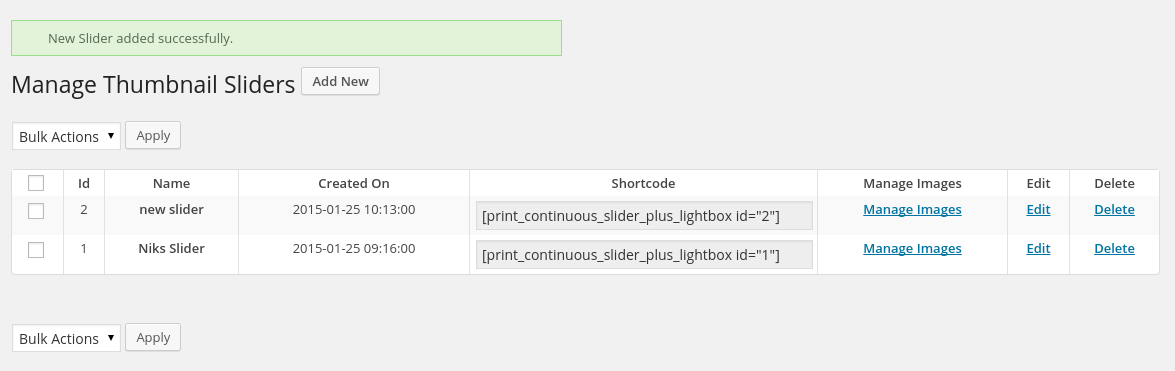
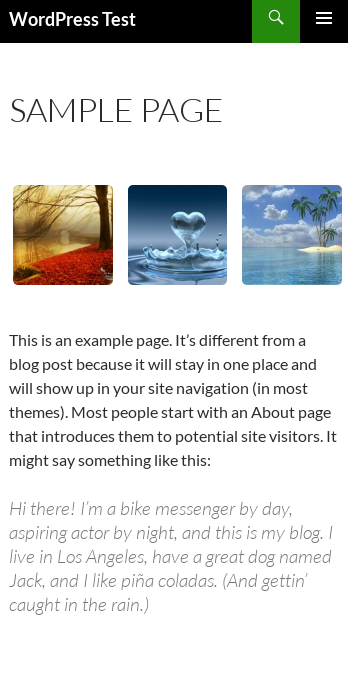


Description
Build as Many Logo & Image Tickers as You Need
Logo Slider & Image Ticker Pro turns the free plugin’s single scrolling ticker into a full slider-building system. Create unlimited independent sliders — a client-logo strip in the footer, a photo ticker on the homepage, a partner-logo bar on a landing page — each with its own images, speed, styling, and lightbox behavior. No monthly fee, no per-slider limit.
🆓 Using the free version? You get one shared slider and the essentials. PRO unlocks unlimited independent sliders, bulk image upload, crop/border/shadow styling, and native Divi/Elementor support. Download the free version on WordPress.org
A Genuinely Modern, Dependency-Free Engine
Most WordPress sliders — including the classic version of this one — are still built on jQuery and a decade-old slider library. Pro now ships with a modern engine option: a small, dependency-free CSS/vanilla-JS ticker and a matching lightbox, with zero jQuery required.
- ⚡ No jQuery dependency — one less script fighting for load order with your theme
- 🎯 Seamless infinite loop — the ticker never stutters or gaps, however many images you have
- 👆 Touch swipe & keyboard navigation in the lightbox
- ♿ Accessible by default — focus trap, ARIA dialog role,
prefers-reduced-motionrespected - 🔁 Switch per slider, per feature — Slider Engine and Lightbox Engine are independent settings, and you can run Modern and Legacy side-by-side while you migrate
- 🛡️ Upgrading is always safe — any slider you already have keeps running on the original jQuery engine automatically; Modern is opt-in, never forced
Unlimited, Independent Sliders
Every slider gets its own:
- Image set, order, and titles/links
- Speed, image size, margin, and visible-count settings
- Crop / no-crop mode
- Border color, border radius, and box shadow
- Lightbox on/off, with its own caption and padding options
- Slider Engine and Lightbox Engine choice
Build one for every spot on the site that needs a scrolling strip of images — there’s no cap.
Crop, Border & Shadow Styling
Give each slider’s images real visual polish, right from the settings — no custom CSS required.
| Option | What it does |
|---|---|
| Crop / No-crop | Force-crop images to a uniform box, or letterbox them to show the whole image |
| Border Color & Radius | Add a colored border with rounded corners to every image |
| Box Shadow | A soft drop shadow behind each image for depth |
| Random Image Order | Shuffle the display order on each page load |
Native Blocks for Every Builder
Add and manage a slider without ever touching a shortcode.
Gutenberg block — pick an existing slider or create a new one, tweak every setting, and add/remove images via the Media Library, all from the block’s own settings panel. A live summary card shows you exactly what’s configured while you edit; the real scrolling animation and lightbox render on the published page.
Divi module — a proper Divi Builder module with a slider picker, so Divi users never need the shortcode either.
Elementor widget — same idea, as a native Elementor widget with its own panel control.
All three — plus the classic shortcode — render through the exact same engine, so a slider looks and behaves identically no matter how you placed it.
Bulk Image Upload
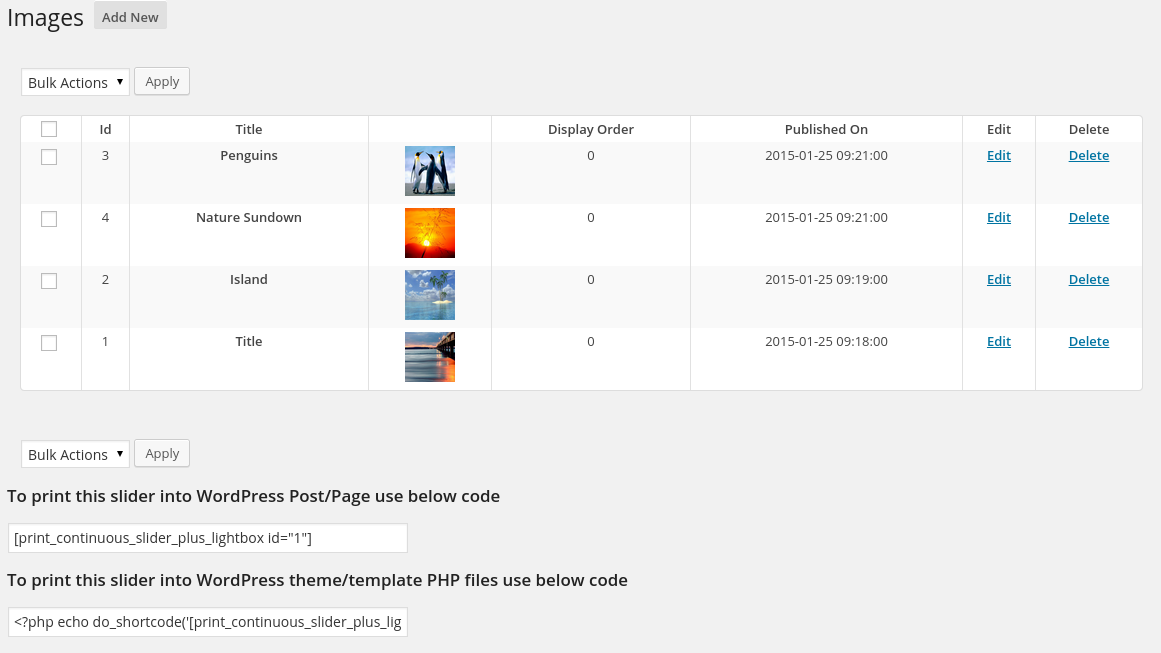
Adding dozens of images one at a time gets old fast. Pro lets you select multiple images at once from the Media Library and add them to a slider in a single action — instead of repeating the add-image flow for every picture.
Fully Configurable Lightbox
- On/off per slider
- Modern lightbox: touch swipe, keyboard arrows, focus trap, accessible dialog
- Legacy lightbox: classic overlay with configurable caption position (over the image or below it) and padding
- Image titles double as SEO-friendly alt text and lightbox captions automatically
Everything Else You’d Expect
- ✅ Add WordPress featured images directly from the post/page editor
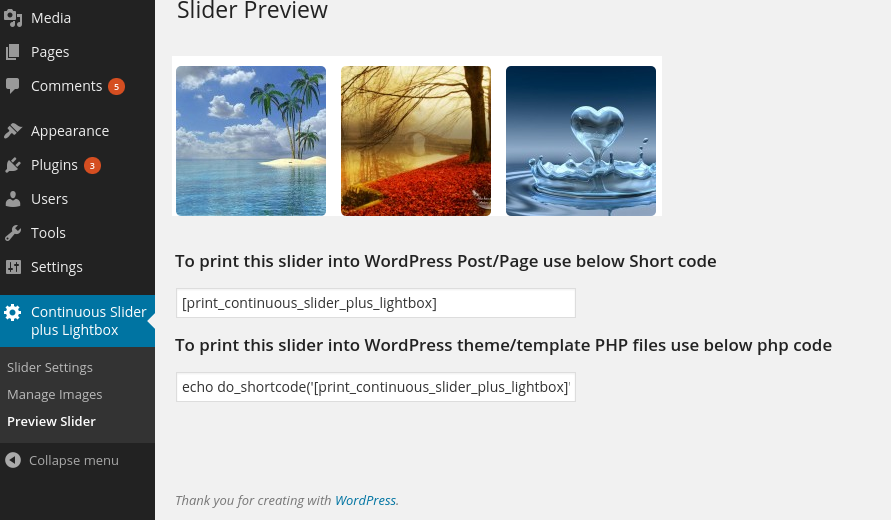
- ✅ Live “Preview Slider” screen before publishing
- ✅ Adjustable image height, width, margin, and scroll speed
- ✅ Set how many images are visible at once
- ✅ Optional link per image, opening in the same tab or a new one
- ✅ Multisite compatible
- ✅ No third-party ads
- ✅ Translation-ready
Who Is This For?
- 🛍️ WooCommerce & business sites — a client-logo or “as seen in” strip that actually looks designed, not bolted on
- 📸 Photographers & portfolios — a crop-perfect, bordered image ticker with a proper lightbox
- 📰 Blogs & content sites — a lightweight, no-jQuery way to showcase image galleries without slowing the page down
- 🏢 Agencies building in Divi or Elementor — drop a fully-configurable slider in without writing a single shortcode
- 📱 Any WordPress site — works with any theme, and the modern engine avoids jQuery conflicts entirely
Free vs PRO Comparison
| Feature | Free | PRO |
|---|---|---|
| Sliders | 1 shared slider | Unlimited, independent |
| Image upload | One at a time | Bulk upload |
| Crop / No-crop control | ❌ | ✅ |
| Border color & radius | ❌ | ✅ |
| Box shadow | ❌ | ✅ |
| Random image order | ❌ | ✅ |
| Lightbox caption position & padding | ❌ | ✅ |
| Modern (no-jQuery) engine | ✅ | ✅ |
| Gutenberg block | ✅ Insert only | ✅ Full settings & image manager |
| Divi module | ❌ | ✅ |
| Elementor widget | ❌ | ✅ |
| Featured-image quick add | ❌ | ✅ |
| Priority support | Community forum | Direct developer support |




Philippe Rives (verified owner) –
Great plugin. Exactly what I was looking for. However, the very last update v. 3.1 stops working. Issue with other plugins probably…but which ones…
Supriya_Kadam –
Nice plugin
Exact which i needed thq. keep it up
hotchd –
Really great
This plugin is great. It does what it says it does, and works well. The customization options are also good.
My tech support queries were answered quickly and correctly. Highly recommended and worth it.
ABALL –
Premium support
Had difficult issue to solve. Support did not give up to help me. Thank you!
Great plugin –
Great plugin
We use on a few of our sites. Great support too.