

Description
Organize Your Content the Smart Way
WordPress Responsive Tabs Pro turns long pages into clean, clickable sections — horizontal, vertical, accordion, or scrollable tabs, styled to match your site in seconds. No coding required.
🆓 Using the free version? You get horizontal, vertical, and accordion tabs with the Boxed style. PRO unlocks scrollable tabs with drag-to-scroll, 3 additional tab styles, full Gutenberg block management, and more. Download free version on WordPress.org
4 Tab Styles — Match Any Design
Every tab set can use its own style, fully customizable with color pickers for background, text, borders, and accents.
| Style | Name | Description |
|---|---|---|
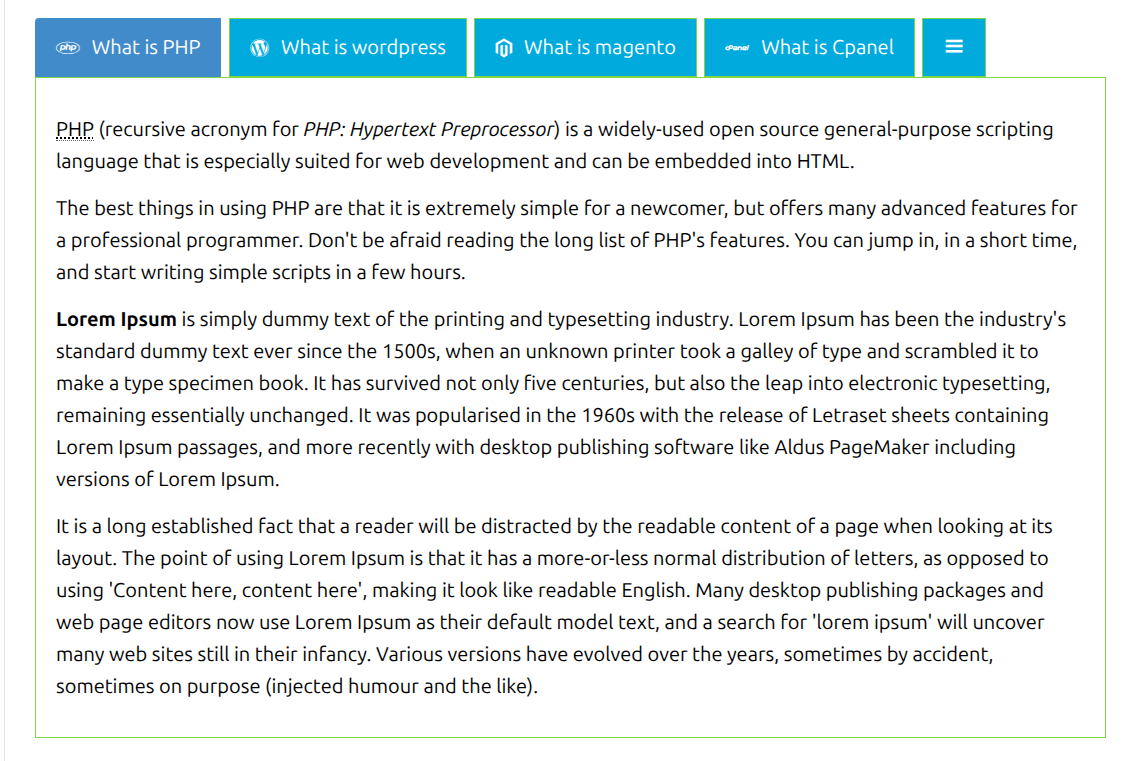
| Style 1 | Boxed (Classic) | The traditional bordered-box tab look — clean and universal |
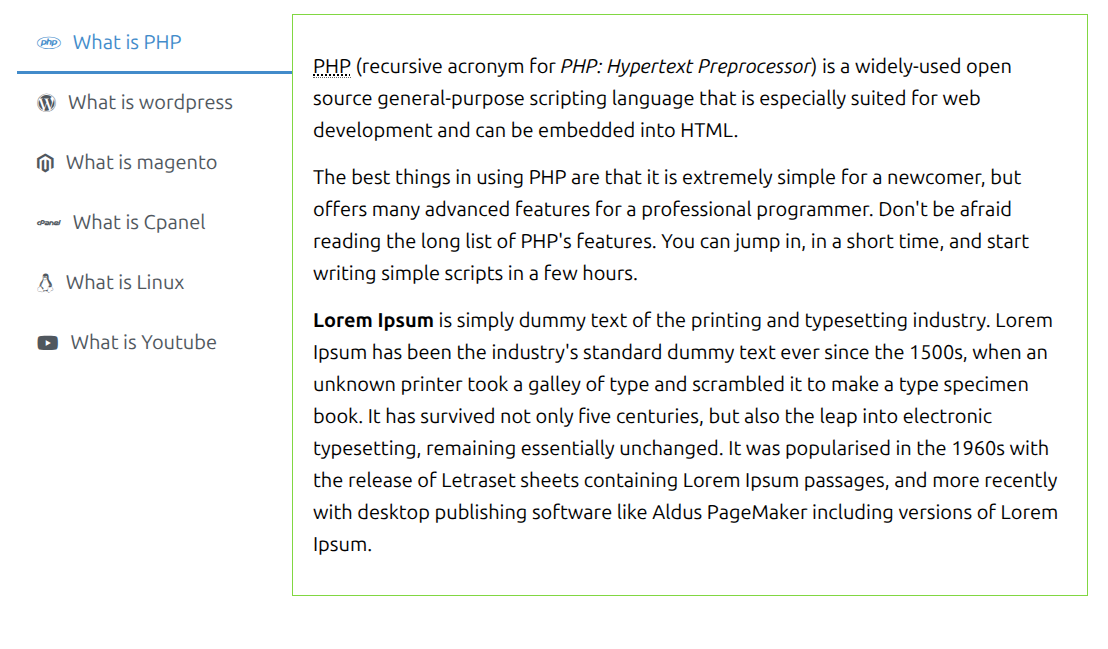
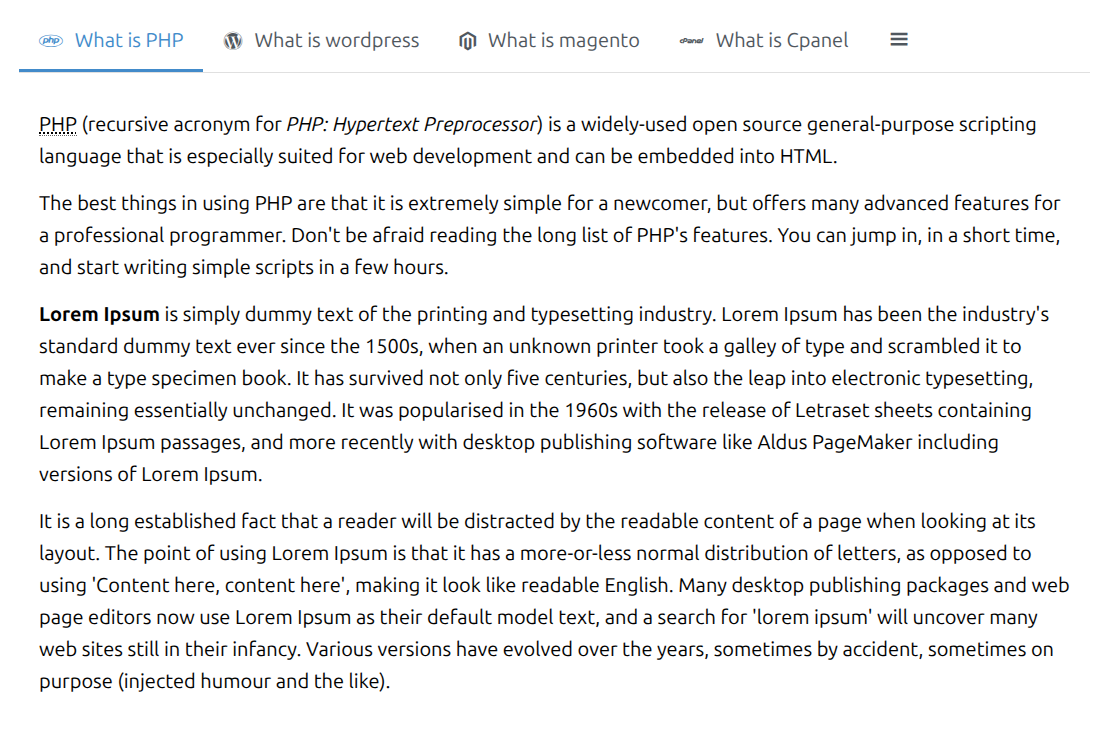
| Style 2 | Underline / Line | Plain text with a sliding underline bar — minimalist, great for content-heavy pages |
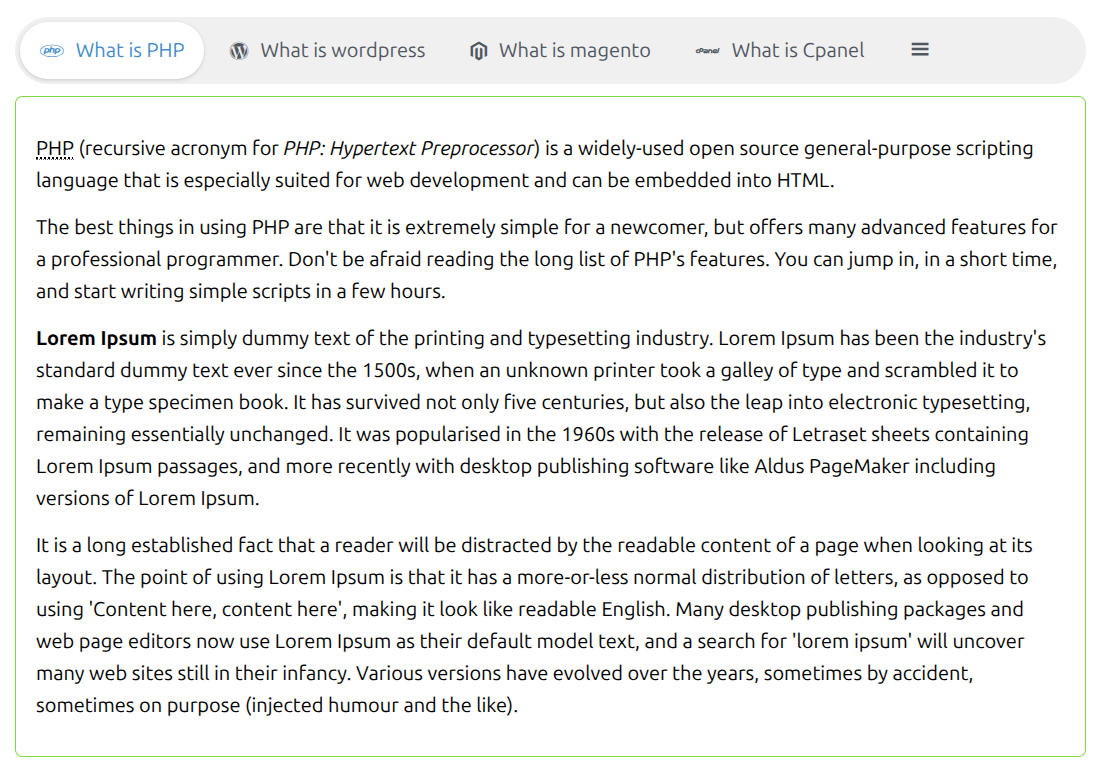
| Style 3 | Pill / Segmented | Rounded track with a filled active pill — modern, app-like (iOS-style segmented control) |
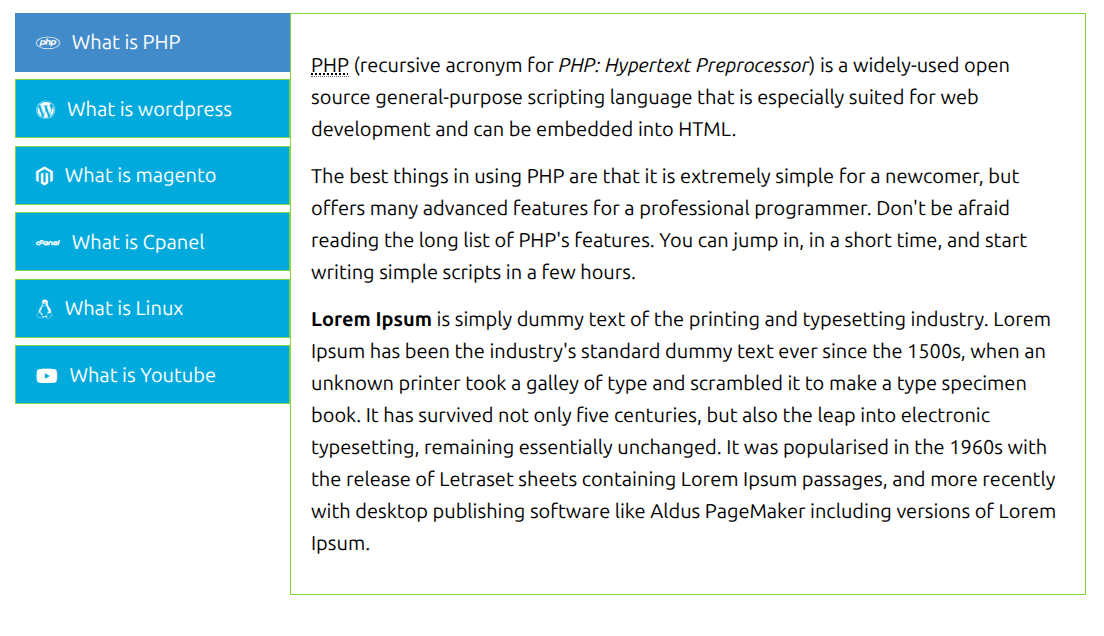
| Style 4 | Contained / Boxed | Individually bordered blocks with a high-contrast active fill — great for toolbars and dashboards |
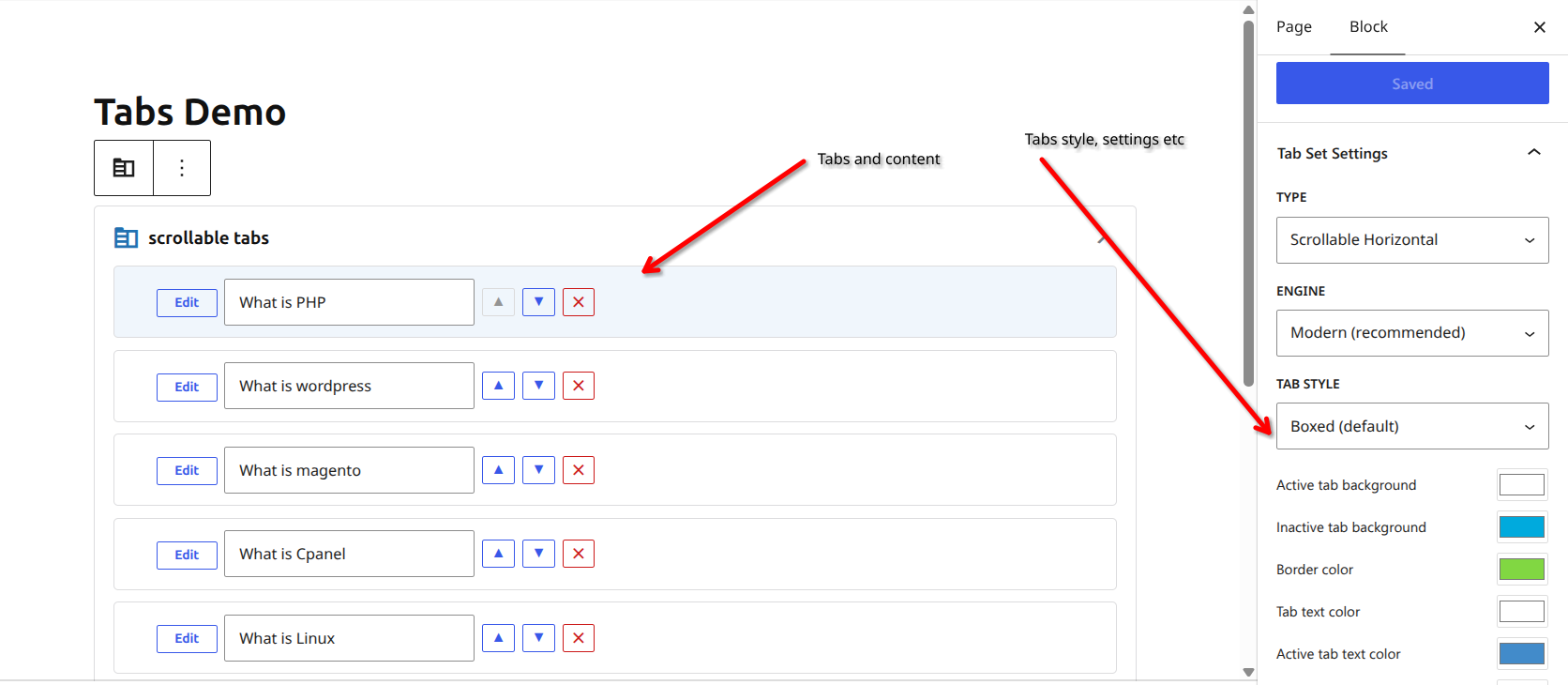
Full Tab Management From the Block Editor
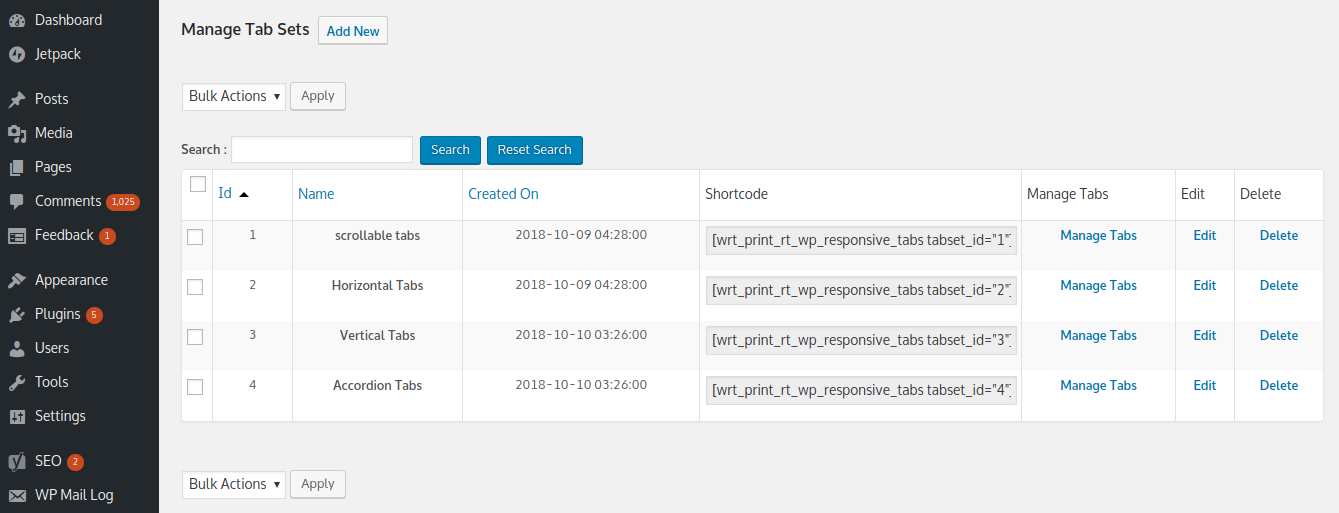
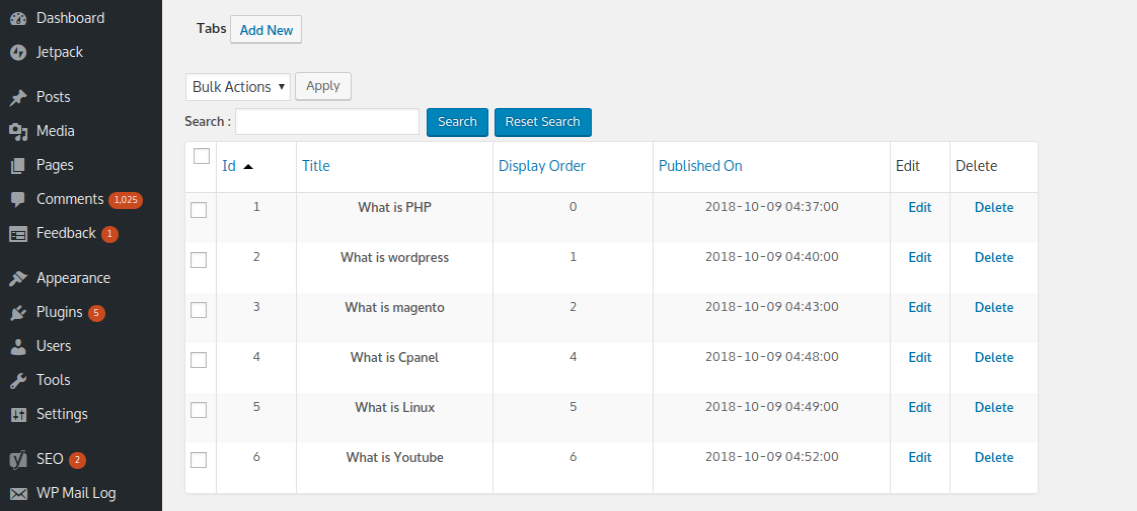
Most tabs plugins only let you insert a shortcode and send you back to a separate admin screen to manage content. Responsive Tabs Pro doesn’t.
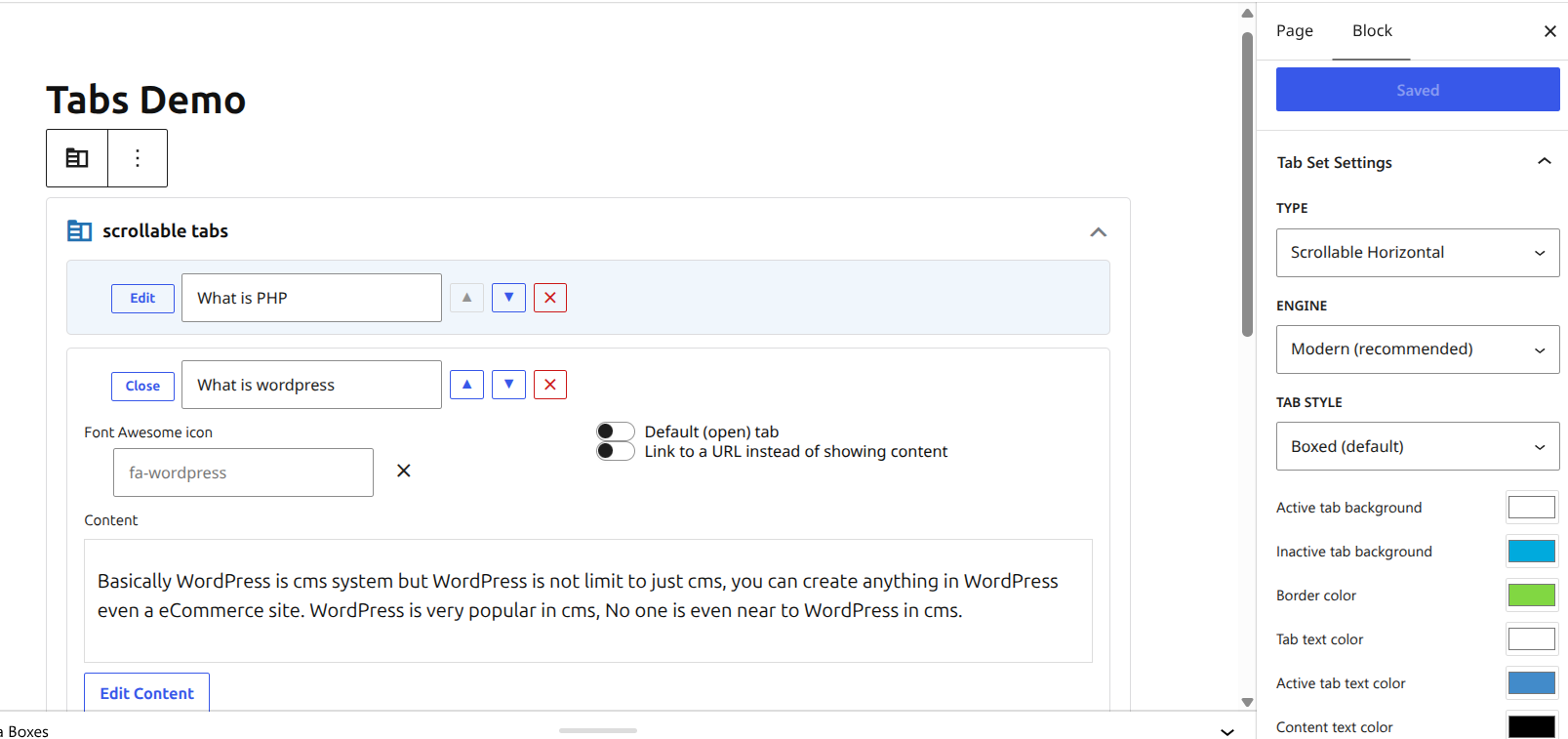
Add the “Responsive Tabs” block and manage everything without leaving the editor:
- ➕ Add, reorder, and delete tabs
- ✍️ Edit each tab’s title and content with a full WYSIWYG editor
- 🎨 Choose a Font Awesome icon per tab, with a searchable icon picker
- 🔗 Set a tab as a link instead of content, or mark it the default/open tab
- 🎛️ Adjust every appearance setting — type, engine, tab style, and all 6 colors — right in the sidebar
All changes save through the same REST API and database tables as the classic admin screens, so nothing gets out of sync.
Scrollable Horizontal Tabs
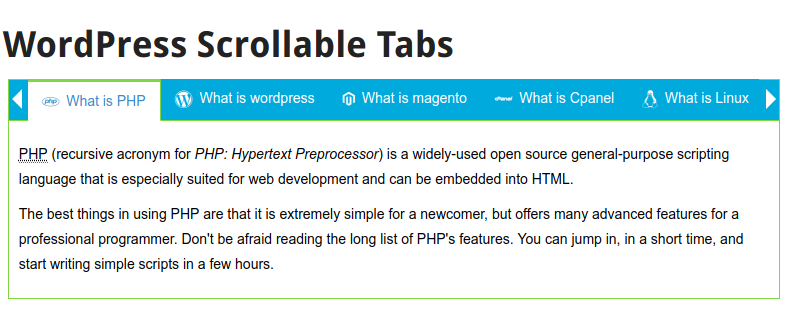
When you have more tabs than fit on screen, plain Horizontal tabs collapse overflow into a clean “More” menu. Pro also gives you a dedicated Scrollable Horizontal type — left/right arrow buttons plus mouse drag-to-scroll, for when you want every tab visible in a single flowing row instead of tucked into a menu.
Font Awesome Icons on Every Tab
Give each tab heading a Font Awesome icon from a searchable picker with live glyph previews — hundreds of icons across solid and brand styles (social icons, tech logos, UI symbols, and more).
Vertical, Horizontal & Accordion Layouts
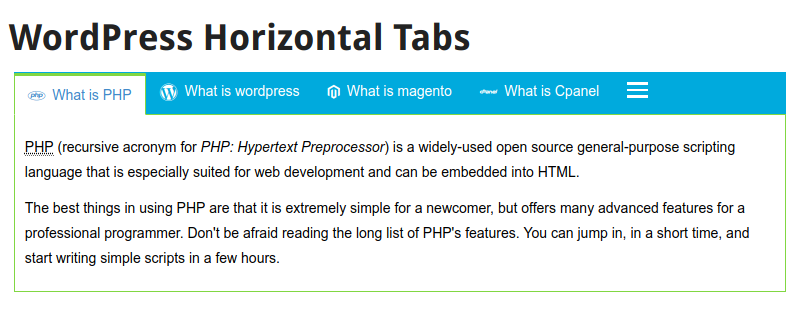
- Horizontal tabs — classic top-row navigation
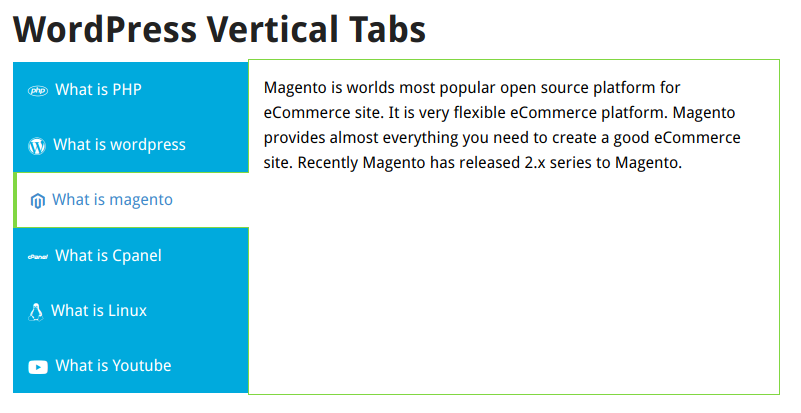
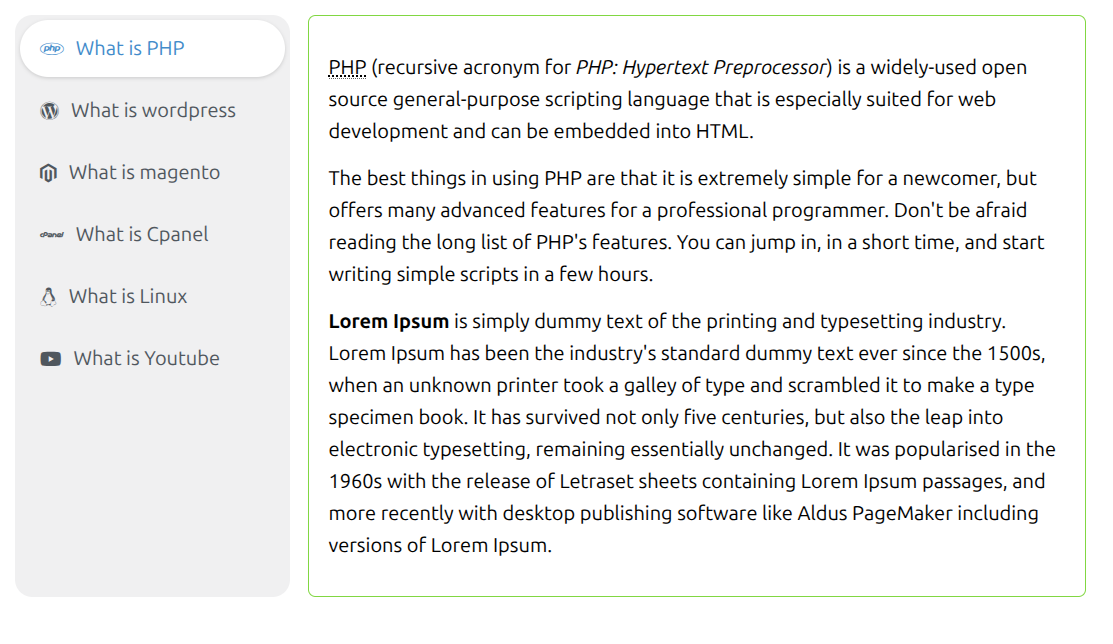
- Vertical tabs — side-column navigation, and automatically converts to an accordion on mobile screens
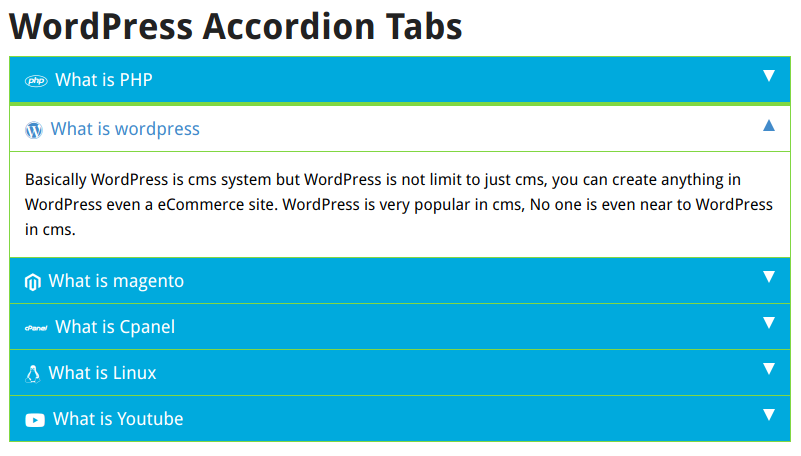
- Accordion tabs — stacked, expanding sections, ideal for FAQs and long-form content
- Scrollable horizontal tabs (Pro) — arrow buttons + drag-to-scroll for tab-heavy layouts
Modern, Dependency-Free Engine
New tab sets run on a modern rendering engine with no jQuery dependency — faster, lighter, and built for today’s WordPress. Existing tab sets you’ve already created keep working exactly as before; nothing changes unless you choose to switch a tab set’s engine.
Shortcode Support Inside Tab Content
Drop shortcodes directly into a tab’s content — sliders, forms, galleries, anything — and they render exactly as they would in a normal post, including any scripts or styles they need to work correctly.
All Features
Tabs & Layout
- ✅ Horizontal, vertical, accordion, and scrollable horizontal tab types
- ✅ 4 tab styles: Boxed, Underline/Line, Pill/Segmented, Contained/Boxed
- ✅ Unlimited tab sets, unlimited tabs per set
- ✅ Drag-to-reorder tabs and mass order updates
- ✅ Vertical tabs auto-convert to accordion on mobile
- ✅ Set a default (open) tab per tab set
- ✅ Preview any tab set before publishing it
Content & Icons
- ✅ Full WYSIWYG content editor per tab
- ✅ Font Awesome icon picker with live preview, per tab
- ✅ Set a tab as an external link instead of content
- ✅ Shortcode support inside tab content
- ✅ Load tab content via AJAX on first view (optional)
Gutenberg & Customization
- ✅ Full tab management from the “Responsive Tabs” block — no admin-screen round trips
- ✅ Shortcode support for any page builder or theme
- ✅ Color pickers for active/inactive background, border, tab text, active text, and content text
- ✅ Additional custom CSS per tab set
- ✅ Selected tab via URL (e.g.
?selected_tab=2) - ✅ Clone/duplicate any tab set
- ✅ No advertisements, ever
WordPress Integration
- ✅ WordPress user roles and capabilities
- ✅ Multisite compatible
- ✅ Works with any theme, any page builder
- ✅ Modern, dependency-free engine (jQuery-free) for new tab sets
Who Is This For?
- 📄 Content-heavy pages — FAQs, documentation, product specs — organize without endless scrolling
- 🛍️ WooCommerce product pages — specs, reviews, shipping info, all in clean tabs
- 🏢 Business & portfolio sites — services, team bios, case studies in a compact, styled layout
- 🎨 Designers & agencies — 4 tab styles mean you rarely need custom CSS to match a client’s brand
- 📱 Any WordPress site — responsive by default, works with any theme or page builder
Free vs PRO Comparison
| Feature | Free | PRO |
|---|---|---|
| Horizontal, vertical, accordion tabs | ✅ | ✅ |
| Scrollable horizontal tabs (drag + arrows) | ❌ | ✅ |
| Tab styles | Boxed only | Boxed, Underline, Pill, Contained |
| Tab sets | 3 limit | Unlimited |
| Font Awesome icon per tab | ❌ | ✅ |
| Link tabs (external URL) | ❌ | ✅ |
| Gutenberg block | Insert & pick a tab set | Full tab management (add/edit/reorder/delete) |
| Additional custom CSS | ❌ | ✅ |
| Selected tab via URL | ❌ | ✅ |
| Duplicate tab sets | ❌ | ✅ |
| Mass order updates | ❌ | ✅ |



cmba –
Better than the leading accordian plugins.
This plugin is simple and easy to customize the style of whatever you are working on. All you need is a bit of css knowledge and it does what you want it to do.
illusorythrall –
Only the second plug-in I’ve actually reviewed… Here’s Why:
The way this works in the back-end is sometimes cumbersome, but at the same time, it keeps it easy to understand and cope with. I worked for a while with the free version of this, and really liked the features… when I found out it was affordable to license the Pro version, I jumped at it, and I have not been sorry. More tabs, more options, and I can DUPLICATE my tabs now instead of time-consuming copy and paste!! Superb plug-in, and highly recommended. On a further note, I had tried at LEAST five other Tab and/or Accordion plug-ins before this, and NONE of them gave me the customizability and ease of use this one did. Take my word for it, and give it a go!
Nehawp –
Working Good
Hello ! It is working good! Just have question. Can one page have multiple tab sets possible ?
Henk.Jan –
excellent plugin
It’s not only an excellent plugin but the helpdesk is awesome: very fast responding, helping to find a solution even it’s not concerning this plugin. Highly recommended.
flexidesign –
Best Addon in the Market Place with amazing support!
I would like to say that add-on is great! Have many customization options, and work fast as it should. Contact with developer is amazing – fast, clear. I have a lot question about plugin, and developer was gave me all answers! I can recommend for the 1000% this plugin and developer of course. I wanted to have on my website two different views : collapsed on mobile, and expanded in desktop – and this plugin could have this kind of setup! So if you are search plugin where you can customize easly tabs: color, border, background, add unlimited tabs or have two different views – i recommend to buy it.
Cmba –
Better than the leading accordian plugins.
This plugin is simple and easy to customize the style of whatever you are working on. All you need is a bit of css knowledge and it does what you want it to do.