









Description
Three layouts. One Plugin. No Subscription.
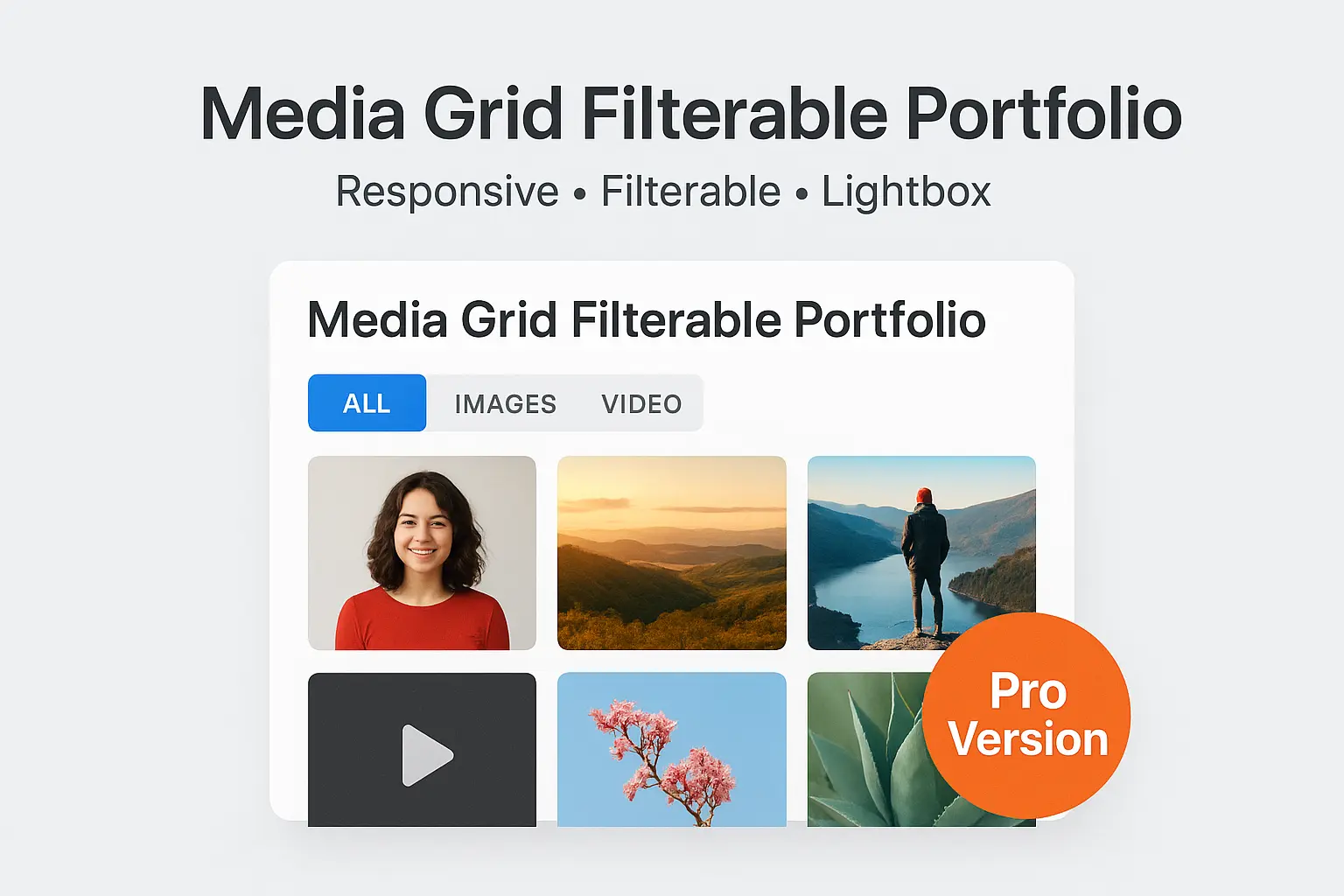
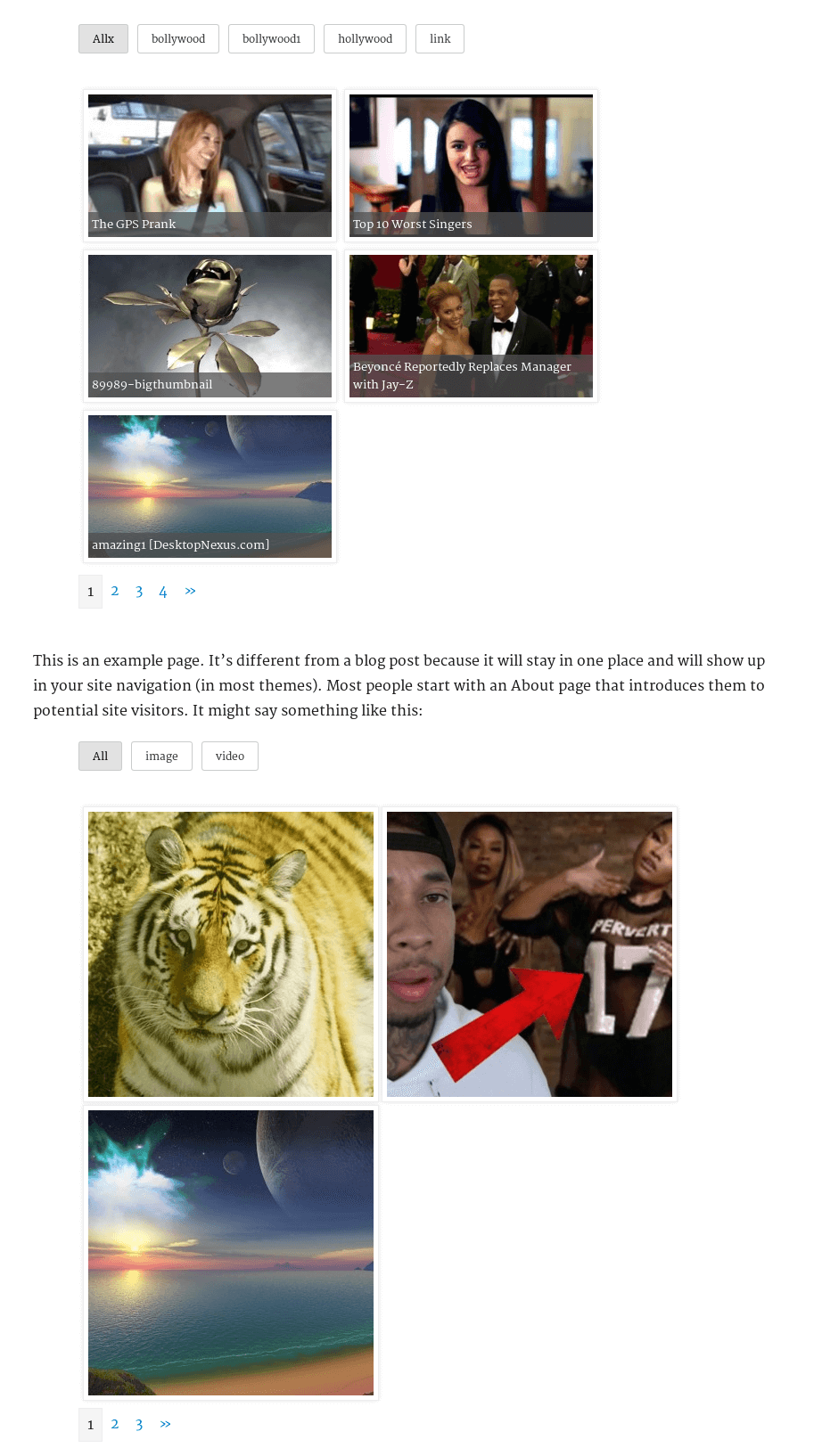
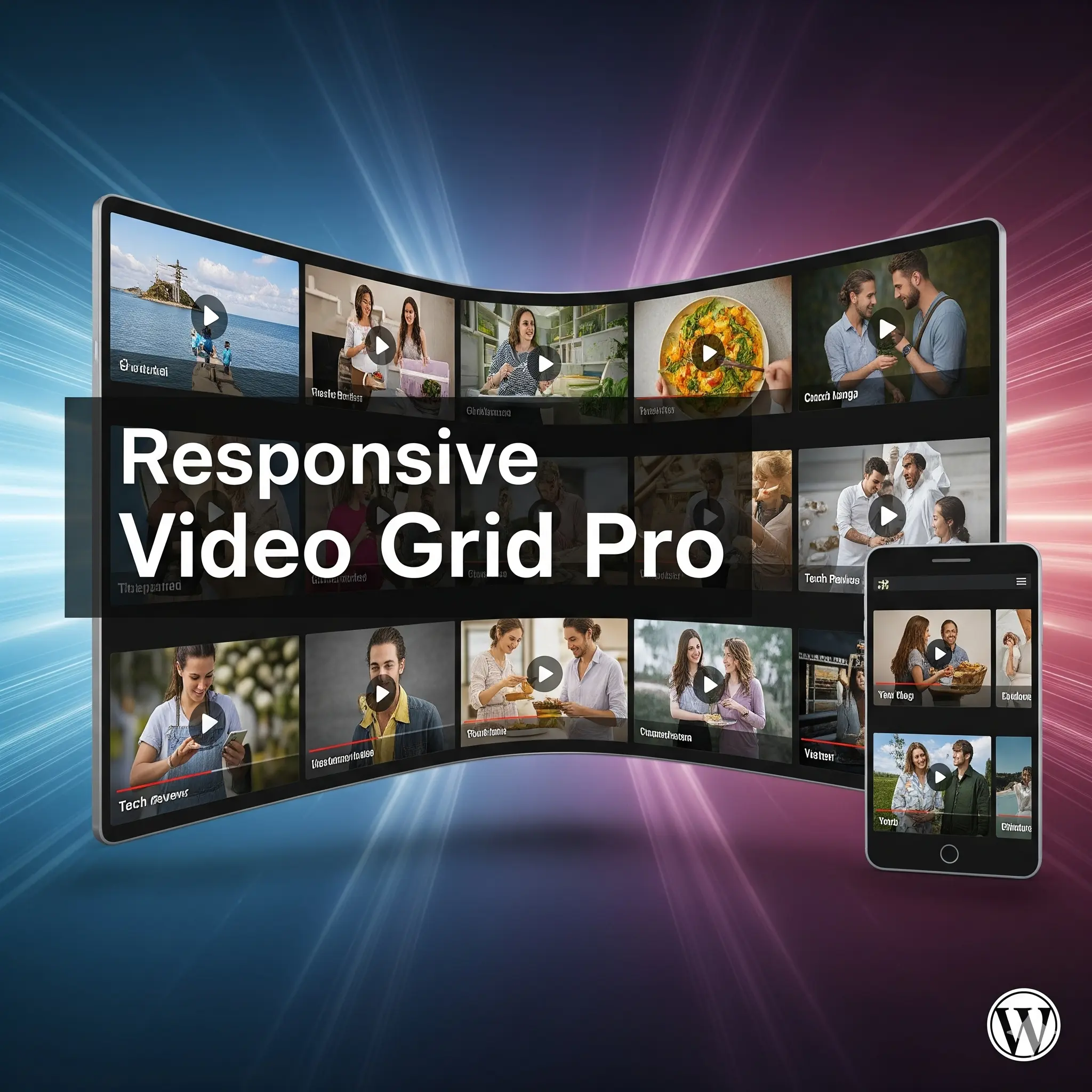
Show your images, videos, and links in a filterable Grid, Masonry, or Justified gallery with a responsive lightbox — add it with a shortcode, a Gutenberg block, or an Elementor widget. Pay once, own it forever.
One Gallery Plugin That Actually Does It All
Most portfolio plugins lock you into a single layout, skip video support, or force you to choose between a shortcode and a page-builder. You end up installing two or three plugins to get one clean gallery.
Responsive Filterable Portfolio Pro handles it in one: three layouts you switch with a single setting, full video support (including self-hosted HTML5), tag filtering, a built-in lightbox, and native support for the block editor and Elementor. Your media stays in your WordPress install. You pay once.
Everything You Need, In One Place
| Feature | Free | Pro |
|---|---|---|
| Pricing model | Free | One-time |
| Filterable portfolio + lightbox | ✓ | ✓ |
| Grid layout | ✓ | ✓ |
| Masonry & Justified layouts | ✗ | ✓ |
| Gutenberg block | ✓ | ✓ |
| Elementor widget | ✗ | ✓ |
| Multiple / unlimited grids | ✗ | ✓ |
| YouTube / DailyMotion video | ✓ | ✓ |
| Vimeo / Metacafe / self-hosted HTML5 video | ✗ | ✓ |
| Tag filtering across all pages | ✓ | ✓ |
| Drag-and-drop tag ordering | ✗ | ✓ |
| Duplicate / clone a grid | ✗ | ✓ |
| Lightbox captions & descriptions | ✗ | ✓ |
| Lazy loading (on/off toggle) | ✓ | ✓ |
Please verify each Free-column item against your current free build before publishing.
🛡️30-Day Money-Back Guarantee
🎨 Three Layouts, One Click to Switch
- Grid — clean, uniform tiles
- Masonry — Pinterest-style, images keep their natural height NEW
- Justified — full-width rows of equal height, like Flickr / Google Photos NEW
- Hover effects on Masonry & Justified — image zoom, overlay, and slide-up captions NEW
- Layout is chosen from a single setting — every display method follows it automatically
🧩 Add It However You Build Pages
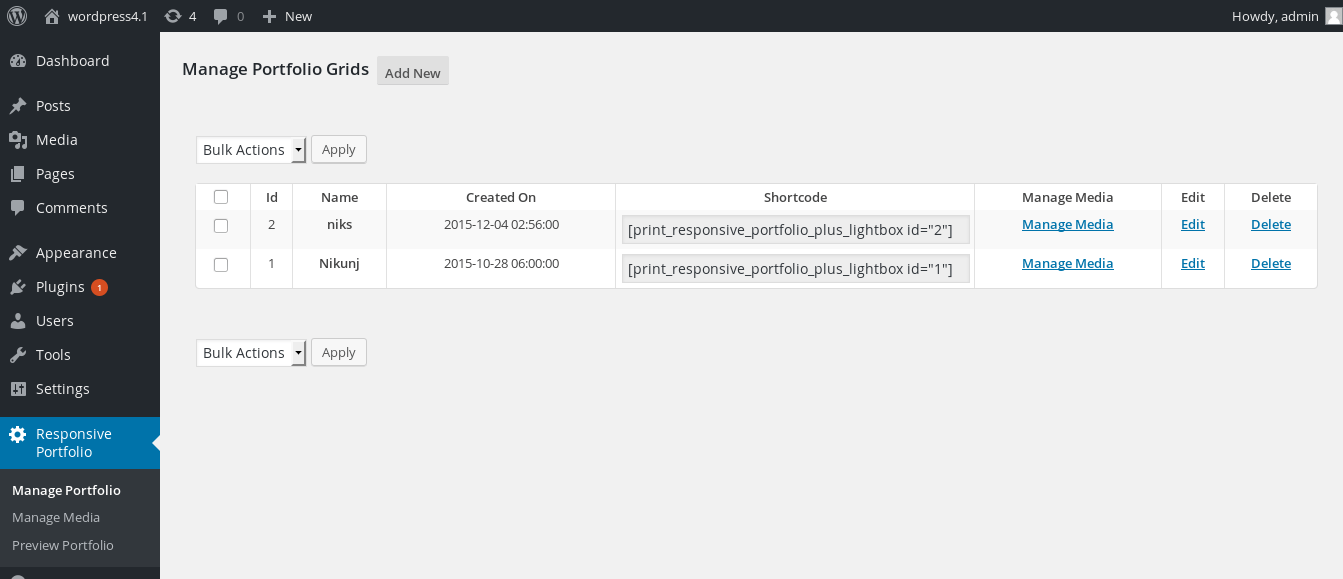
- Classic shortcode — drop it into any page or post
- Native Gutenberg block — pick a grid from a dropdown, no code NEW
- Elementor widget — drag in “Responsive Portfolio”, select a grid, done NEW
🖼️ Images, Video & Links
- Self-hosted HTML5 video, YouTube, Vimeo, Metacafe, DailyMotion
- Video thumbnail, title, and description fetched automatically
- Images open in the lightbox or redirect to a URL
- Add links with a custom image and destination
- Mass image upload into a portfolio
⚡ Speed & SEO
- Native lazy loading with an on/off toggle — off-screen images load only as needed NEW
- Faster initial page load and better Core Web Vitals
- Efficient tag filtering and pagination so large galleries stay fast NEW
🛠️ Built for Real Catalogs
- Unlimited portfolio grids, each configured independently
- Duplicate / clone a whole grid — settings, tag order, and media — in one click NEW
- Filter by tag across every page, with drag-and-drop tag ordering
- Optional filtering by month and year
- Captions and descriptions in the lightbox; open-in-lightbox or redirect per item
- Control media order (plus mass order update), height, width, spacing, and background
- Preview a grid before adding it to a page
- WordPress multisite compatible · No advertisements
Who Is This For?
- 📷 Photographers & creatives — show work in a Masonry or Justified wall with a clean lightbox
- 🎬 Video creators — build a filterable library of YouTube, Vimeo, or self-hosted videos
- 🛒 Product & catalog sites — display items in tidy grids, filter by category tags
- 🏢 Agencies & freelancers — Gutenberg and Elementor support for any client build; 5 or 10 site licences available
- 📝 Bloggers & portfolios — one shortcode or block, no page-builder lock-in
Up and Running in Minutes
- Install & activate — upload the zip, click Activate, tables created automatically
- Build a grid — Responsive Portfolio → add your images, videos, and links with tags
- Pick a layout — choose Grid, Masonry, or Justified from the Layout style setting
- Add it to a page — paste the shortcode, drop in the Gutenberg block, or use the Elementor widget
One Plugin for Every Gallery You’ll Ever Build.
476+ active installs · 5.0/5 rating · 30-day money-back guarantee · One-time payment






Carol Thomson (verified owner) –
Great plugin. Works as described. Excellent customer service. I have used several of their plugins since 2020.
johncarteroz –
Awesome pluginAwesome plugin to display a library of youtube videos with the abilit yto filter on TAG! So simple but so hard to find!!! I notice someone also suggested it would be good to be able to change the sorting of the tags, perhaps a popularity sort? I would prefer that since as you get many videos and many tags, the obscure tags would drop off to the end of the tags
cerkoxxl –
perfect onenice, easy, perfect
FaveaMedia –
Great portfolio, easy setup
Great plugin. Installed it and its up and running with no problems.
Very easy to setup and edit settings!
SoulSearcher –
best plugin in this categoryreally great work
rish30990 –
Great Plugin
Best portfolio plugin I could find for wordpress..
geonikon –
It does exactly what I need
The plugin is great, the settings are easy and intuitive.
xsaintzx –
Great Plugin
Excellent plugin. Is it possible to sort the Filter Tab differently instead of alphabetically as it is now? I’d love to sort it manually as the way I want it to.
devwp –
great video portfolio
5/5
TableauxAdmin –
Simple, Works, Excellent!
I’ve tried many filterable gallery plugins and this one is easy to setup and it just works! Thanks for a great plugin!
itandgeneral –
Great plugin, Excellent support
Plugin is powerful and easy to use. Nik was able to quickly address an issue with the pro version showing that it needed an upgrade when using wp-cli. Thanks Nik. Excellent support!
toptools –
Fast and Effective Support
Thank you Nik!
I emailed support on a small adjustment to the program and they were responsive and fixed my problem fast. Thank you.
Dan